
What Is a DNS Leak and How Do You Check for One?
Your IP address says Berlin. Your browser agrees. But your internet provider still knows which sites you looked up tonight. That gap has a name: a DNS leak, the most common way a proxy setup quietly fails, and you can test for it in two minutes.

What a DNS leak actually is
Every time you type a site name, your device asks a DNS server to turn that name into an address it can connect to. DNS is the internet's phone book. A leak happens when that question goes to the wrong server, usually your internet provider's, while the rest of your traffic goes through your proxy.
Here is what that exposes. The resolver sees a timestamped list of every domain you looked up. Not the page you opened, and not your passwords, since HTTPS still protects those. But the domain names alone are plenty. Your provider can see the bank, the clinic, the dating site, one after another, all tied to your account.
For proxy users there is a second problem: your IP says one country and your DNS says another, and some sites use that mismatch to spot proxy traffic. I used to think checking my IP was enough. I would open our What Is My IP tool, see a German address, and call it a day, until a leak test showed my own lookups were still going home. That stung, and it is why this post exists.
Why a proxy can hide your IP and still leak your DNS
A proxy carries your web traffic. It does not automatically carry your DNS lookups, and that is the part most guides skip.
HTTP proxies never handle DNS at all. Your browser looks up the site first, on your own network, and only then asks the proxy to fetch the page. SOCKS5 can take the hostname and look it up on the far side, but only if the app is told to do that.
Firefox has a checkbox for exactly this: "Proxy DNS when using SOCKS v5", under Settings, then Network Settings. If it is off, Firefox resolves every domain locally before the proxy ever sees it. Chrome has no equivalent switch. It uses your system DNS, or its own Secure DNS setting, which can quietly override everything else. Either way, your IP check comes back clean while your DNS is wide open.
I checked our live list this morning: 3,418 free proxies, and only 12 of them are SOCKS5. Most people grab an HTTP proxy, so their DNS never had a chance to travel through the proxy at all. The IP test passes. The leak test does not. That is the trap.
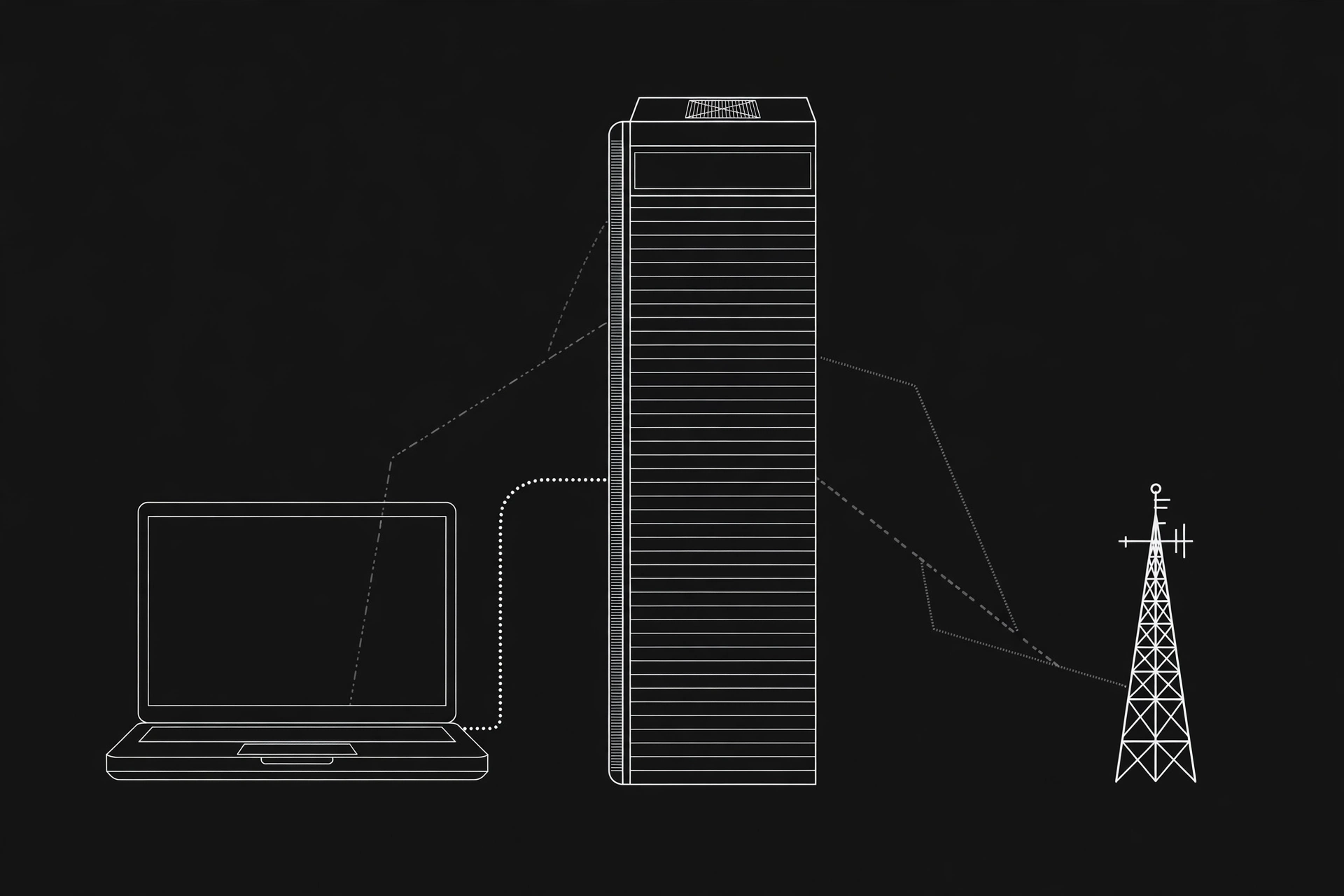
Prefer watching? This short video shows how DNS can give away your browsing even when your browser looks private.
How to check for a DNS leak in 2 minutes
You need one baseline and one real test. Skip the baseline and the result means nothing.
- Proxy off. Open the ProxyNest leak test and write down the resolver name it shows. That is usually your ISP. This is your baseline.
- Connect your proxy, then run the test again. Use the extended test if the tool offers one. It sends more queries and catches leaks the quick test misses.
- Compare the two lists. Your ISP's name should be gone. If it is still there, you have a leak.
- Cross-check with a second tester, like dnsleaktest.com, and repeat the test in every browser you use. Leaks are often browser-specific, so a clean result in Firefox says nothing about Chrome.
- Do it again on your phone. Phones leak differently, and most people never test them.
How to read the results
Read the result like this:
- Your ISP's name appears: that is a leak. Your lookups are reaching your provider.
- Only servers in your proxy's country appear: you are clean.
- Cloudflare (1.1.1.1) or Google (8.8.8.8) appears: your browser or system picked its own DNS. Your ISP is not seeing the lookups, but neither is your proxy. Treat it as a leak and fix it.
- A server owned by your proxy or VPN provider's hosting partner appears: that is normal, not a leak.
A DNS leak is not the same as an IP leak or a WebRTC leak. Those expose your address through different paths, and fixing DNS does not fix them. Run our VPN leak check and the IP leak check too if you want the full picture. For the technical background, Wikipedia's DNS leak article explains the flaw well.
The 4 fixes that actually work
Most fixes are one setting. Do them in order, and retest after each one.
- Firefox: tick the remote DNS box. Settings, then Network Settings, then tick "Proxy DNS when using SOCKS v5". This single checkbox fixes the most common proxy leak there is.
- Chrome and Edge: check Secure DNS. Open Settings, search for "Secure DNS", and either turn it off or set it to Cloudflare. The browser default can override your proxy silently.
- Set DNS at the system level. Point your whole device at 1.1.1.1 or 9.9.9.9. When the system resolver is a privacy DNS, there is no ISP resolver left to leak to. If your proxy only handles IPv4, disable IPv6 too, or lookups can slip out over the IPv6 path.
- Retest. Run the leak test again after every change. A fix you never retested is a guess, not a fix.

A real example: Sara's German proxy
Sara lives in Lahore. She picks a German SOCKS5 proxy from our proxy list, sets it up in Firefox, and checks her IP: Berlin. She feels done. Then she runs the leak test, and the resolver list shows her Pakistani ISP, plain as day. Her traffic goes through Berlin. Her lookups never left Lahore.
The fix takes ten seconds. She ticks "Proxy DNS when using SOCKS v5" and runs the test again. This time the only resolver is in Germany. Same proxy, same browser, one checkbox. That is the difference between a setup that works and one that only looks like it works.
When a DNS leak does not matter much
Honest answer: it depends on why you use the proxy. If you only want to check a price in another country or open a blocked video, a DNS leak is a shrug. Nothing sensitive is at stake.
But if you use a proxy for privacy, a DNS leak defeats the point. A proxy that hides your IP and leaks your DNS is a costume, not a disguise. It looks right in the mirror and fools nobody who checks. Privacy is a routine, not a one-time setting, so re-check your IP after you switch networks, and if you are picking a new proxy, check its speed first.
Run the test now
Two minutes is all this takes. Open the leak test, note your baseline, connect your proxy, and run it again. If your ISP shows up, you know exactly which checkbox to tick.
Comments
Loading comments…
Leave a comment