

What Is a DNS Leak and How Do You Check for One?
Your proxy hides your IP, but your DNS lookups may still go straight to your ISP. Here is what a DNS leak is, how to…
ProxyNest collects public HTTP, SOCKS4 and SOCKS5 proxies from open sources, tests them for real, and lists them here. Free forever, no account, no paywall. And we will be straight with you: free proxies die fast.
List updated Nov 17, 2026, 1:47 PM PKT.
No locked lists, no "premium" bait. Everything on this site is usable right now, for free.
No pricing page, no checkout, no login walls. Every proxy listed is free to copy and use.
Proxies marked TESTED passed a real speed check. We measured the latency, uptime and score ourselves. No guessing.
Filter the list by country and protocol to find a proxy near you or in the region you need.
Developers can pull the same data over a simple JSON API. Documented, no key required.
A separate list of free MTProto proxies with one-tap connect links for Telegram.
We say plainly which proxies are untested and warn you that free proxies die within hours.
Three steps. No account needed at any point.
Open the proxy list, filter by protocol and country, or search an IP directly.
Prefer rows marked TESTED, or hit the Ping button to verify a proxy live before you rely on it.
Copy the address with one tap and paste it into your browser, app, or script.
The countries with the most working proxies right now.
Pick the proxy type that fits your task.
Best for web browsing. Simple to set up in any browser.
Older protocol, still works for basic TCP traffic.
The modern all-rounder: any traffic, authentication support.
The vocabulary every proxy list uses. Know these and the table reads itself.
Handles web traffic (browsing, scraping). Simple to configure in a browser or with HTTP proxies in code.
Protocol-agnostic: carries any TCP/UDP traffic and supports authentication. See SOCKS5 proxies.
Transparent proxies reveal your IP, anonymous proxies hide it but announce themselves, elite proxies do neither. Check the level on the proxy list.
Round-trip time in milliseconds. Lower latency means a snappier connection; under 1000 ms is usable for most tasks.
How long a proxy has stayed reachable. Our uptime history shows the last 7 days per proxy.
The country a proxy's IP is registered in. Pick one near your target site, or browse proxies by country.
The network port the proxy listens on (for example 8080). If a port will not connect, check whether it is open.
The proxy's public address. Curious what yours looks like right now? Run the IP lookup.
The short version. Full answers live on the FAQ page.
Plain-English guides about proxies, safety and setup.
Your proxy hides your IP, but your DNS lookups may still go straight to your ISP. Here is what a DNS leak is, how to…

Before you trust a free proxy with real work, check its speed properly. Latency, throughput, and a 5-minute routine…
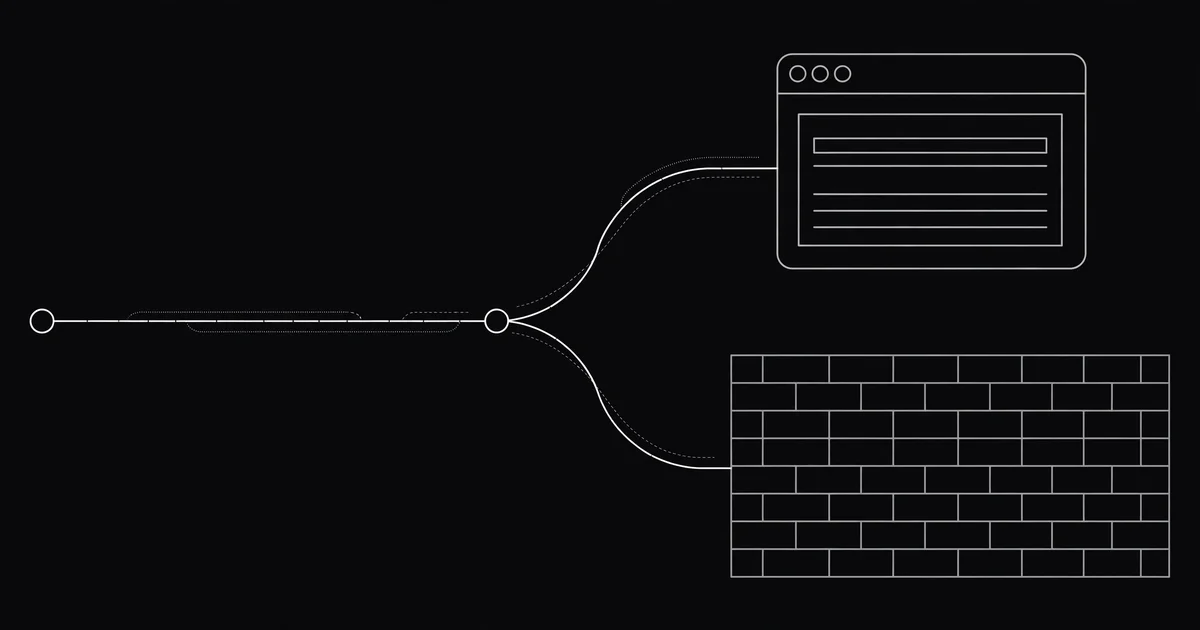
Google loads but your news site shows a 403? Same proxy, different result. Here is why sites judge the same proxy…
Thousands of free proxies, searchable and exportable. No signup.
Open the free proxy list