
Why Does My Proxy Work on One Site and Fail on Another?
Google loads fine. You open a second tab, type in your favorite news site, and get a cold 403, an endless CAPTCHA loop, or a page that never finishes loading. Same proxy. Same browser. Same minute. So what changed? Nothing on your side. Each site runs its own checks on the IP it sees. Here is how to tell which check tripped you up.
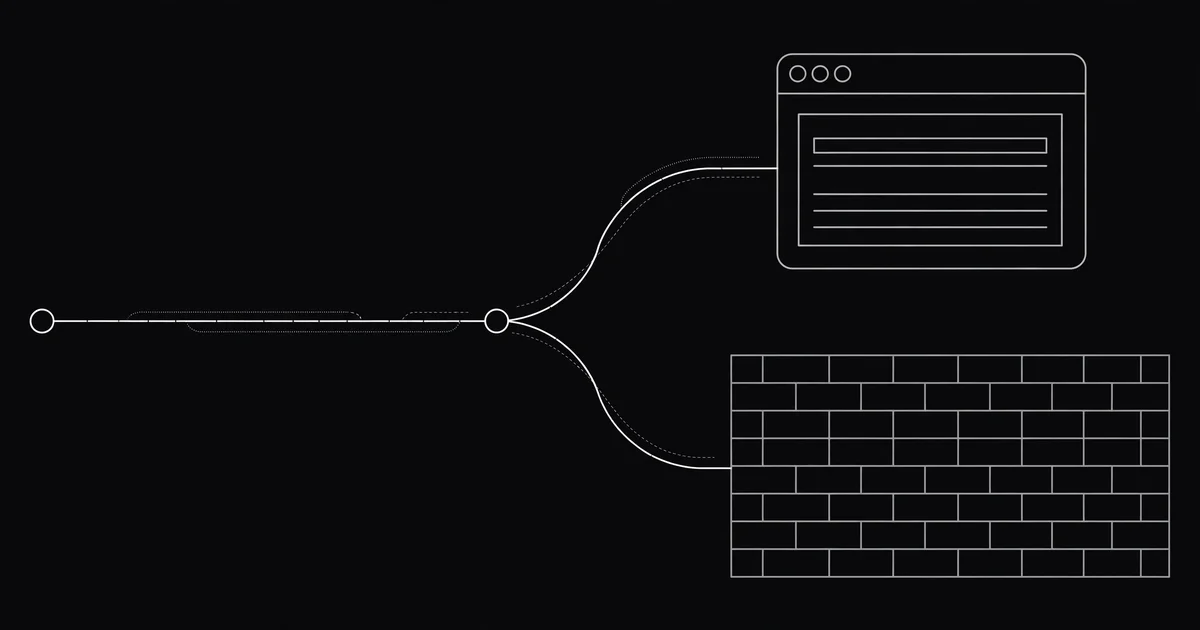
First, sort the failure into one of three buckets
A request through a proxy crosses three stops: your browser, the proxy, and the website. When one site fails and another works, the proxy is alive, so the problem sits at another stop.
- Nothing loads anywhere: the proxy is dead, or your own connection is down.
- One site fails while others load: the site is judging the IP, or your browser is leaking.
- The page loads but keeps asking if you are human: bot protection flagged the IP.
Settle it in ten seconds. Turn the proxy off and open the failing site. If it loads, the proxy is the problem. If it still fails, the site is down or blocking everyone. Then, with the proxy on, open a plain site that almost always works. If that loads too, the proxy is fine. The failing site is just picky.
I tested this while writing the post. I pulled five proxies off our own live list, all tested minutes earlier, with latencies between 7 and 36 milliseconds. From this machine, all five failed to load example.com. The list was not lying. Those proxies were alive when tested, and dead or blocked by the time I tried them. A green check is a snapshot, not a promise.
The site blocked that IP, not you
This is the most common cause, and it has nothing to do with your settings. A free proxy IP is shared. Thousands of people used it before you, and some scraped or spammed the same sites you want to open. The site remembers the IP, not you, and blocks it.
Big sites keep their own blocklists, and they do not share them. That is why Google loads fine while a news site throws a 403 at the same IP. One list has it flagged, the other does not. It feels random. It is not. MDN's HTTP status code reference puts a 403 plainly: the server understood the request but refuses to authorize it.
Here is my blunt take: when a site blocks a free proxy IP, the site is doing its job. The fix is not a cleverer setting. It is a different IP. Run the proxy through our free Proxy Checker, then grab a fresh one from the proxy list. The list held 3,472 proxies when I checked this morning, so swapping costs seconds.
Prefer watching? This 10-minute video shows how websites spot proxy traffic, and why one site blocks you while the next one does not.
The wrong protocol or port for that site
An HTTP proxy and a SOCKS5 proxy are not interchangeable, and some sites only work with one of them. Put SOCKS5 details into a field that expects HTTP, and the request dies before it reaches the site. Other times the proxy only speaks plain HTTP while the site is HTTPS-only.
This one bites people in apps more than in browsers. A browser usually warns you. An app just spins. The listing says HTTP or SOCKS5 right next to the IP, so match it to the field you paste into, and check the port too. A SOCKS5 port in an HTTP field makes every page hang. Our HTTP vs SOCKS5 guide covers which one to pick, and a 407 means the proxy wants a login, which our error code guide covers.
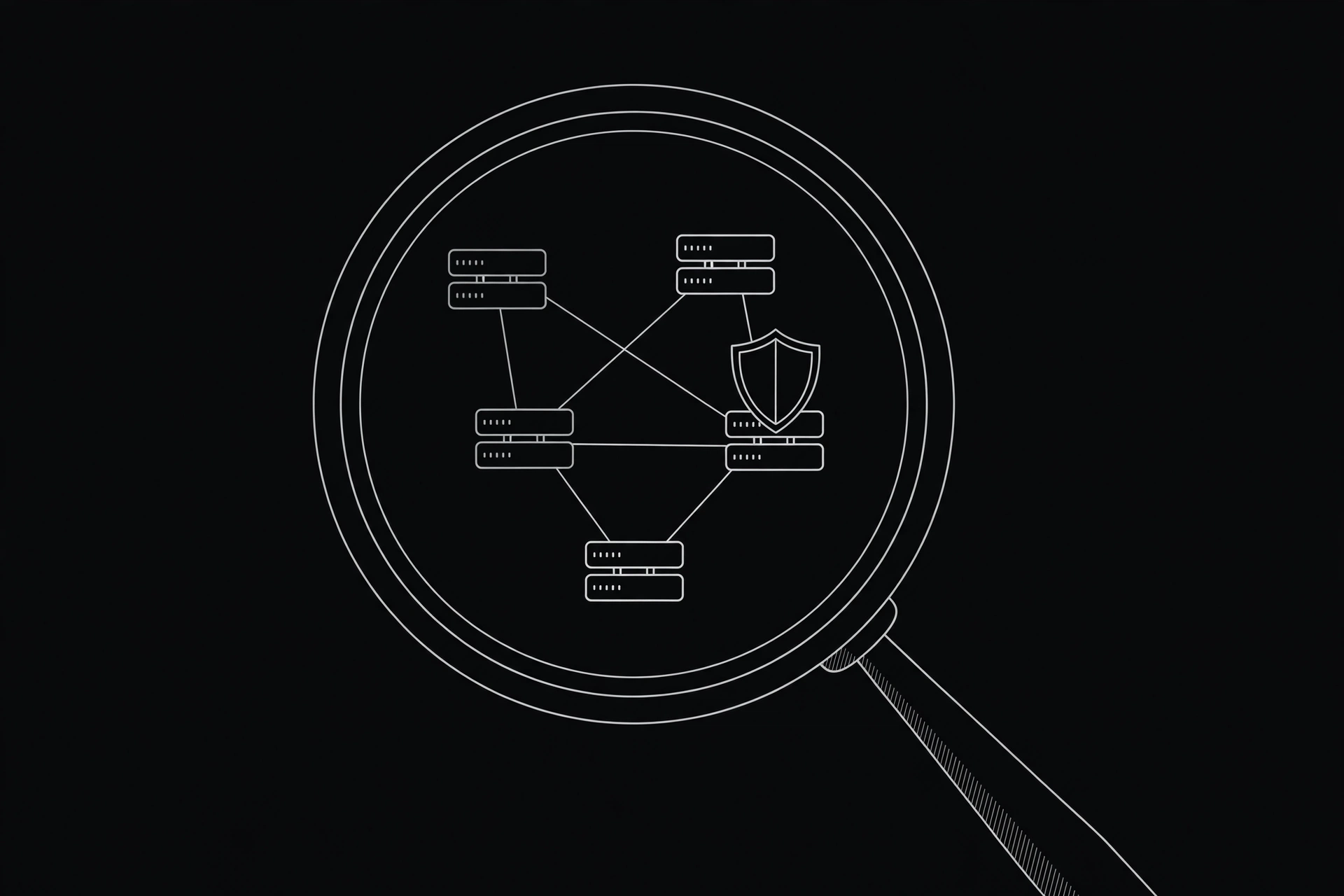
Your browser is leaking the truth
Even when the proxy works, your browser can give you away. A DNS leak means your browser asks your own provider's DNS servers about the site, so the site sees a location that does not match the proxy. A WebRTC leak can expose your real IP straight to the page. A timezone or language that does not match the proxy's country adds one more clue that disagrees.
Run our free leak test with the proxy on. It shows your IP, DNS servers, and WebRTC address in one place. If anything shows your real location, fix that leak before you blame the proxy. Our leak check guide walks through the Chrome and Firefox settings.
Old cookies are telling on you
Say you logged into a shopping site from Lahore yesterday, then open it today through a proxy in Frankfurt. The site sees the same account and cookies, and a jump of about 5,000 kilometers overnight. Some sites just log you out. Stricter ones block the session. The proxy did its job. Your cookies told the site you teleported.
Test it in a private window with the same proxy. If the site loads there, your cookies were the problem. Clear them for that site, or keep a separate browser profile for proxy use.
Some sites block all free proxies, full stop
A few sites do not bother judging individual IPs. They block whole datacenter ranges outright, and streaming and banks are the strictest. If every proxy fails on the same site while it loads fine without one, you have found one of those walls.
No setting on your side moves that wall. Try another site, or come back later with a fresh IP. And never push it with banking: a bank that sees a free proxy can lock the account, which is why our banking guide says to keep free proxies away from money.
The 5-minute fix routine (do this in order)
Run this routine instead of guessing. It takes about five minutes.
- Test the proxy. Paste its IP and port into our free Proxy Checker. Dead or timing out? The proxy is done.
- Test the site without the proxy. Turn the proxy off and load the same page. Loads fine? The proxy is at fault. Still broken? The site is down.
- Check what the site sees. Open What Is My IP and run the leak test with the proxy on.
- Try a private window. If the site loads there, clear that site's cookies.
- Swap the proxy. Pick a fresh one with a recent green check from the proxy list, ideally from a different country.
- Stop if every proxy fails on that site. The site is blocking free proxies. Try another site or come back later.
A proxy that works on one site and fails on another is not broken. It is being judged, site by site, on its history, its type, and what your browser leaks around it. Run the routine, find which judge tripped you up, and you will know whether to swap the proxy, fix a leak, clear a cookie, or accept that this site is a wall. Most of the time, a fresh proxy is all it takes.
Comments
Loading comments…
Leave a comment