
How to Check If Your Proxy Is Leaking Your Real IP
Your proxy is on. The site you open shows an IP in another country. Job done, right? Not quite. A proxy can hide your main traffic and still let your real IP slip out through side doors your browser leaves open. You can catch every one of those leaks in about five minutes, with free tools.
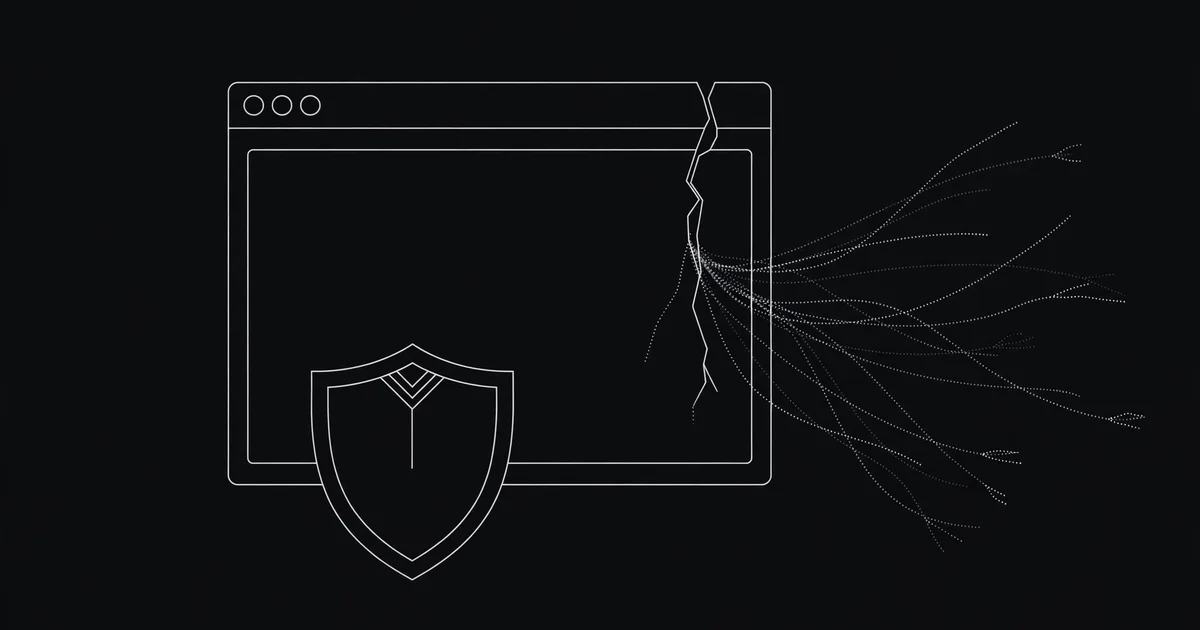
Why a connected proxy can still leak
Here is the part most proxy guides skip. A browser proxy is not a tunnel around your whole device. It is a setting that tells one app, usually your browser, to send its web requests through a middleman. Everything else on your device can still take the normal road out.
That leaves four side doors. WebRTC, the feature behind browser video calls, can ask your device for its real address directly. DNS lookups can still go to your internet provider. The proxy itself can stamp your real IP into a header it forwards. And IPv6 traffic can walk out a door your proxy never covered.
When I tested this myself, the main check looked perfect: the IP tool showed the proxy's country, not mine. Then the leak test showed a second address, my real one, in the WebRTC results. One check said safe. The other said exposed. That mismatch is exactly why a single IP check is never enough.
One honest caveat: a free proxy will rarely pass all five checks as cleanly as a full VPN, because a VPN routes your whole device and a proxy does not. That does not make free proxies useless. It means you should know what yours actually hides, and save sensitive jobs for something stronger. Our guide on whether free proxies are safe explains why.
The 5-minute proxy leak test
Do this in order, in the same browser profile you actually browse with. Testing in a fresh window with no proxy set tells you nothing about your real setup.
Step 0: write down your real IP
Proxy off. Open our What Is My IP tool and write down the address and city it shows. That is your baseline. Every later result gets compared against this one number. No baseline, no verdict.
Check 1: the exit IP
Turn the proxy on. Pick one from the proxy list, or from the locations page if you want a specific country. Wait a few seconds, then reload the IP tool. The address should now differ from your baseline, and the country should match the proxy you picked. If it still shows your baseline, the proxy is not being used at all, or it is dead. Pick another one.
Check 2: WebRTC
With the proxy still on, open our VPN Leak Test tool. It shows what WebRTC exposes. Look for your baseline IP in those results. If it appears as a public address, you have a WebRTC leak. If the results show only the proxy IP, or nothing at all because WebRTC is off, you are clear on this check. Wikipedia's WebRTC article explains how the protocol gathers those addresses.

Check 3: DNS
On the same leak test page, look at the DNS servers listed. They should not belong to your home internet provider. If your provider's name shows up, your site lookups are bypassing the proxy.
Check 4: HTTP headers
Some proxies, especially transparent ones, add headers like X-Forwarded-For that carry your real IP straight to the site. Open our HTTP Header Checker with the proxy on and scan for your baseline IP. Found it? That proxy is telling sites who you are, and no browser setting will fix that. Our guide to elite, anonymous and transparent proxies explains the three levels.
Check 5: IPv6 and the drop test
Two quick extras. If the leak test shows an IPv6 address matching your home connection, your proxy is only covering IPv4. Then do the drop test: put your device to sleep, wake it, and recheck the IP tool. If the proxy silently died, your traffic fell back to your direct connection and you will see your baseline IP again, with no warning.
Prefer watching? This short explainer shows how a real IP can slip out past a proxy or VPN.
Reading your results without panicking
Not every unfamiliar address in a test result is a leak. Use this scorecard before you declare a disaster.
- Your baseline IP anywhere in the results: fail. That is a real leak, whichever check found it.
- Only the proxy IP: pass.
- An address starting with 192.168, 10, or 172.16 to 172.31, or a name ending in .local: not a leak. Those are local network addresses, and modern browsers mask them this way on purpose.
- The proxy IP changed between checks, or the country is right but the city is off: not necessarily a leak. Free proxies die mid-session, and IP location databases guess the city wrong all the time. Recheck with a fresh, stable proxy before you conclude anything.
Here is my blunt opinion on this: most leak panic online comes from misreading one of those harmless rows. A result is only scary when your actual baseline IP shows up. Everything else is noise.
Found a leak? Fix the one you actually have
Match the fix to the check that failed.
- WebRTC leak: in Firefox, open about:config and set media.peerconnection.enabled to false. In Chrome, that setting does not exist, so a reputable WebRTC-blocking extension is the practical route. Retest after, since browser updates sometimes reset this.
- DNS leak: set your browser or device to a public DNS resolver instead of your provider's default. If the leak stays, the proxy setup itself is not routing DNS, and a different proxy will not fix it either.
- Header leak: drop that proxy. Pick an elite proxy from the list instead, one that forwards no identifying headers. Verify a replacement with our Proxy Checker and the header tool together.
- IPv6 leak: turn IPv6 off on the device you browse with, or use a setup that handles IPv6.
- Drop fallback: there is no kill switch on a plain browser proxy, so recheck after sleep, Wi-Fi changes, and browser restarts. If you need a setup that blocks traffic when the tunnel dies, that is a job for a VPN, not a proxy. Our proxy vs VPN comparison lays out when each one wins.
After any fix, run the whole test again. A fix you did not retest is a guess, not a fix. Retest whenever you switch proxies or browsers, since both can quietly change the result. The same routine works for VPNs too, covered in how to test a VPN for leaks and in how to check any proxy in seconds.
When to ditch the proxy entirely
Some proxies are not worth fixing. Ditch it if the header check keeps showing your real IP, if it leaks on every browser you try, or if it dies every few minutes and keeps dropping you back to your direct connection. A proxy that leaks is worse than no proxy at all. Grab a fresh one from the list, run the five checks again, and keep the one that passes.
Comments
Loading comments…
Leave a comment