
Proxy Error 407, 403 or 502? What Each Code Means and How to Fix It
You paste a proxy into your browser, hit enter, and instead of the page you get a cold little number: 407. Or 403. Or 502. No explanation, no apology, just a code. That number is not random, though. It tells you exactly where your request broke, and once you know that, the fix is usually a two-minute job. Here are all three, with the exact check for each one.
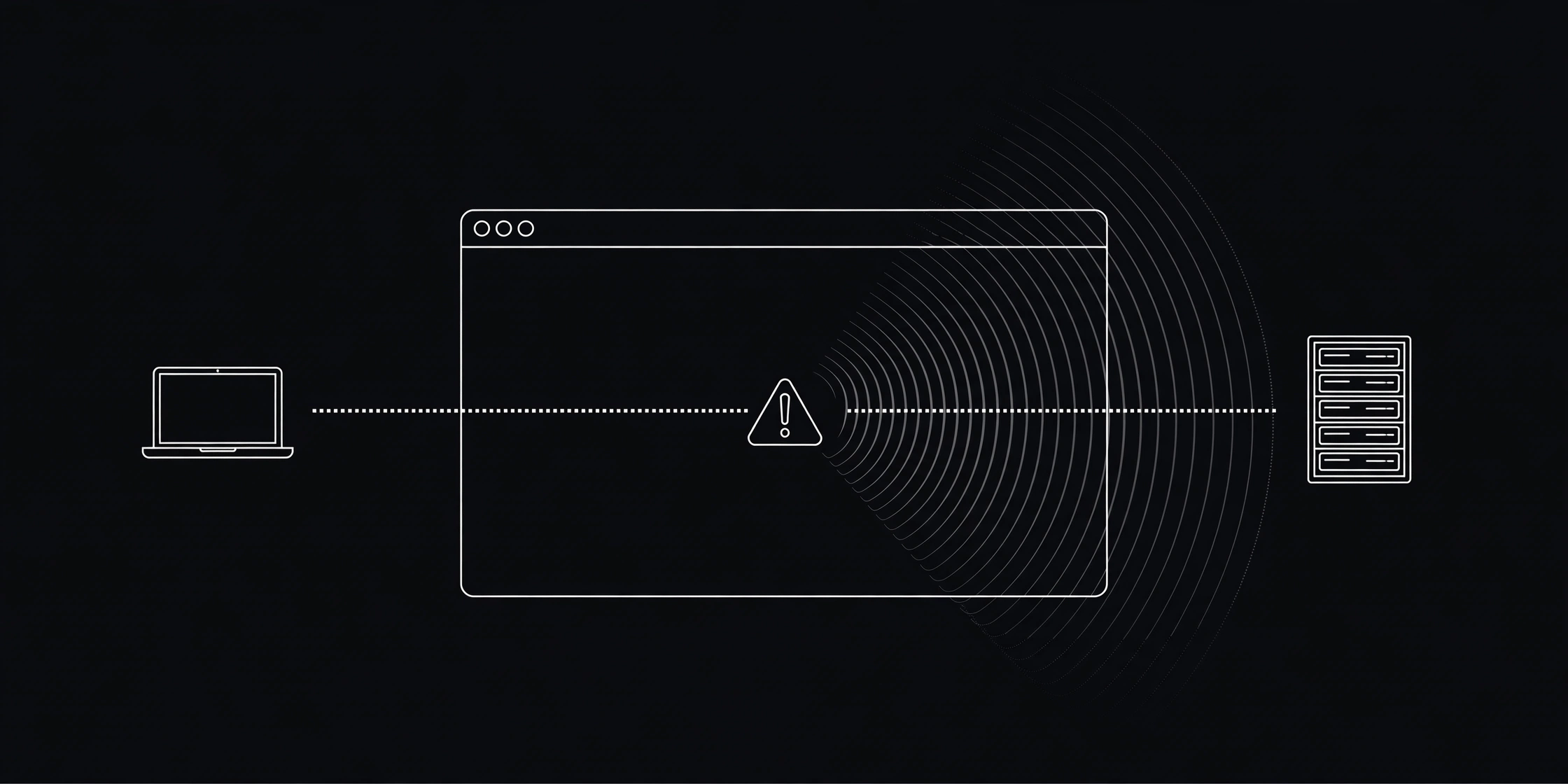
First, ask one question: who sent the error?
A request through a proxy crosses three stops: your browser, the proxy, and the website. When something fails, one of those three sends the error back, and the code is its signature. 407 almost always comes from the proxy, 403 usually from the website, and 502 can come from either one, which is why it confuses people most.
Settle it in ten seconds: turn the proxy off and open the same site. If it loads, the proxy or its IP is the problem. If it still fails, the site itself is down or blocking everyone, and no proxy setting will fix that. Chrome says the same thing its own way: ERR_TUNNEL_CONNECTION_FAILED means the tunnel to the site never opened, which usually points at the proxy, not the site.
I check proxies for this site every day, and the pattern never changes. People blame the website when the proxy died, and they blame the proxy when the website blocked them. The code settles the argument in seconds, so start there and stop guessing.
407 Proxy Authentication Required: the proxy wants a login
A 407 means the proxy asked for a username and password and did not get one it liked. The request never reached the website at all.
Here is the part most guides skip: the free proxies on ProxyNest's list never ask for a login. So if you hit a 407 on a free proxy, you did not mistype anything. That proxy is a private or paid one that leaked onto a public list, or it started demanding auth after it was listed. Drop it and pick another one.
If you do use a paid proxy with a login, the fix is boring but it works. Retype the username and password by hand, watch for a trailing space you copied by accident, and check you pasted them into the proxy fields, not the website login box. In a script, special characters in the password need URL encoding: @ becomes %40 and : becomes %3A. Skip that and the proxy sees a broken password. The full walkthrough lives in Proxy Authentication Explained.

Prefer watching? This 5-minute video shows how HTTP requests and status codes work, including 403.
403 Forbidden: the website understood you and said no
A 403 means the site got your request just fine and refused it anyway. MDN's HTTP status code reference puts it plainly: the server understood the request but refuses to authorize it. Retrying the same request changes nothing. It is the same no, louder.
Through a proxy, a 403 usually comes from the target site judging your exit IP: that IP got flagged for abuse, the site blocks the whole region, or its bot protection did not like the request. Test it: same site, proxy off. If it loads, the exit IP is the problem, not your browser. Grab a proxy from another country on our locations page and check what the site sees with What Is My IP before you try again.
If every proxy gives you a 403 on the same site, that site is blocking free proxies in general, and no setting on your side changes that. Try another site, or come back later. Our guide on checking if an IP is blacklisted covers the deeper checks.
502 Bad Gateway: the proxy could not reach the site
A 502 means a middleman got a bad or empty answer from the server behind it. With a proxy in the middle, that middleman is often the proxy itself. It tried to reach the site and got garbage back, or nothing at all.
Wait thirty seconds and retry once. Still a 502? Open the site with the proxy off. If it loads, swap the proxy for a fresh one from the proxy list. If it does not load for anyone, the site is down, and patience is the only fix. Hammering refresh every five seconds does not speed up a dead server.
502s also show up when a free proxy is overloaded. Thousands of people share the same free server, and when it buckles, requests fail mid-flight. That is why a proxy can be slow one minute and dead the next, as we covered in Why Is My Proxy Slow?.
The 2-minute fix routine (do this in order)
When any of these codes pops up, run this routine instead of guessing. It takes about two minutes.
- Test the proxy. Paste its IP and port into our free Proxy Checker and run the check. Dead or timing out? The proxy is done. Move on.
- Test the site without the proxy. Turn the proxy off and load the same page. Loads fine? The proxy or its IP is at fault. Still broken? The site is down.
- Swap the proxy. Pick a fresh one with a recent green check and low latency from the proxy list, ideally from a different country.
- Confirm the switch. Open What Is My IP and check the address actually changed.
- Stop if it is a 403 on every proxy. The site is blocking free proxies. Try another site or come back later.
When I pulled our live list while writing this, it held 3,556 HTTP proxies. That sounds like plenty, until you remember free proxies die fast, which is why the list re-tests around the clock and drops the dead ones. A proxy that worked yesterday is not a promise for today. Our proxy check guide shows the full routine.
Three mistakes that make proxy errors worse
- Retrying a 407 with the same credentials over and over. Some providers lock the account after repeated failures. Fix the login once, or drop the proxy.
- Restarting your router for a 403. The site said no. Your router is fine, and a reboot changes nothing.
- Trusting a proxy because it worked yesterday. Free proxies die daily. A quick check beats a dead page every time.
When the error is not the proxy at all
If every site fails with the proxy switched off too, stop blaming the proxy. Open What Is My IP. If even that will not load, your own connection is down, and the fix is your Wi-Fi or your ISP. The FAQ has the short version of all of this if you want it in one place.
Read the code, find who sent it, run the routine, and you will know whether to swap the proxy, wait out the site, or fix your own connection.
Comments
Loading comments…
Leave a comment