
What Is the Difference Between My Public and Private IP Address?
Open your Wi-Fi settings and you'll see an IP like 192.168.1.5. Open a site that shows your IP, and you'll see a completely different one. Both are yours, both are real, and mixing them up is why half the networking advice online sounds like nonsense. Here's the difference, and how to check both in 30 seconds.
Find both of your IP addresses in 30 seconds
Do this first. The rest makes more sense once you've seen your own two addresses side by side.
- Your public IP: open ProxyNest's What Is My IP tool. The big address on the page is the one the internet sees.
- Your private IP: on Windows, press Win + R, type cmd, then ipconfig, and look for "IPv4 Address". On a Mac, go to System Settings, Wi-Fi, then Details. On your phone, tap your Wi-Fi network name and look for the IP address line.
- Compare them. They won't match. That's normal, and it's the whole point of this post.
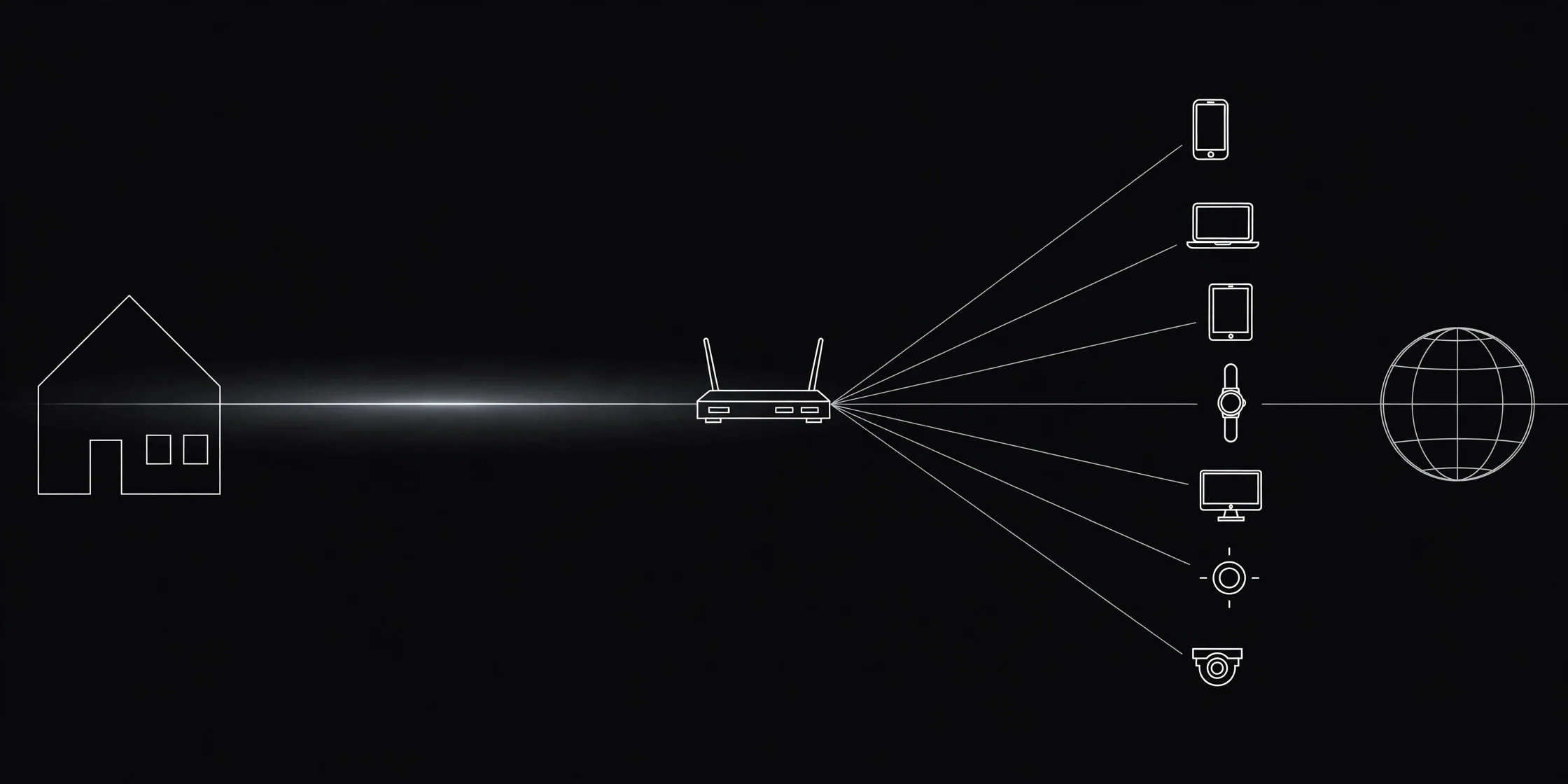
Take a typical home network. The laptop sits at 192.168.1.23, the phone at 192.168.1.24, the smart TV at 192.168.1.31, and all three show the same public address, 203.0.113.87. Three private addresses inside the house, one public address facing the world.
Your public IP: the street address
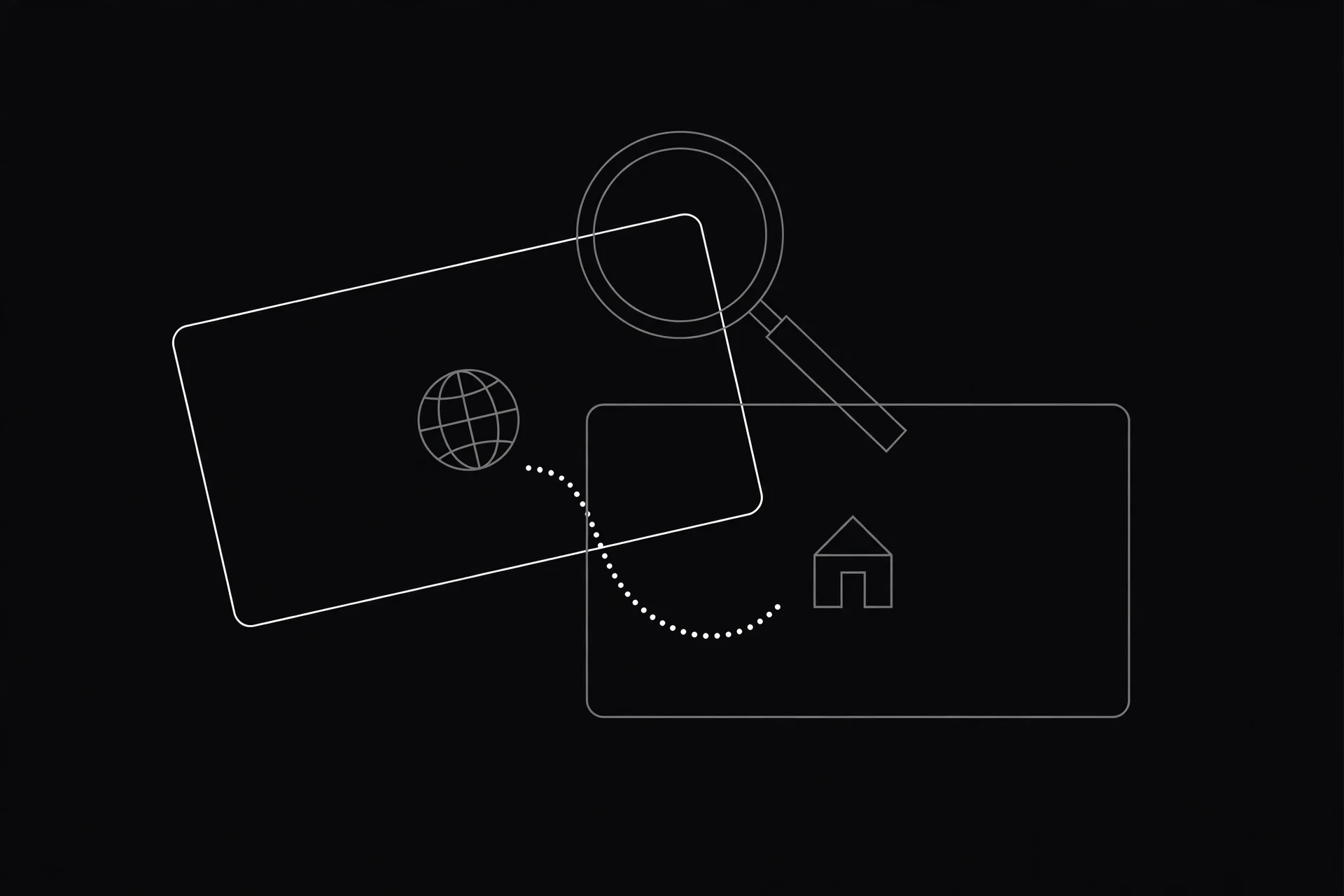
Your public IP is the address your whole household shares on the internet. Your provider hands it to your router, and every website you visit sees it. It's how replies find their way back to you.
Three things to know:
- It's the only address the internet can see. When you load a page, that page's server logs your public IP, not your laptop's private one. It can usually tell your provider and your rough city from it, which is why your IP sometimes shows the wrong city.
- It usually changes. Most home connections get a dynamic public IP. Restart your router and you'll often get a new one. That's why your IP keeps changing, and it's normal.
- One address covers the whole house. Your laptop, phone, and TV all go out under the same public IP. That's why a site can block your entire household at once if one device misbehaves, and why checking whether your IP is blacklisted matters before you blame your proxy.
I used to think the address in my Wi-Fi settings was the one websites saw. It isn't, and that one wrong assumption made every networking article feel contradictory. Once you know there are two addresses, the rest clicks into place.
Prefer watching? This short explainer covers the same split with a simple apartment analogy.
Your private IP: the flat number
Your private IP is the address your router gives each device inside your home network. It only works inside that network, and nobody on the internet can reach it.
Private addresses come from three ranges set aside for this exact job, defined in RFC 1918:
- 10.0.0.0 to 10.255.255.255 (big offices and company networks)
- 172.16.0.0 to 172.31.255.255 (medium networks)
- 192.168.0.0 to 192.168.255.255 (home routers, the one you'll see most)
Your router hands these out automatically with DHCP, usually starting at 192.168.1.2 and counting up as devices join. Here's the part that trips people up: your private IP is almost certainly identical to your neighbor's. Millions of homes use 192.168.1.5 at the same time, and nothing breaks, because a private address is only unique inside its own network. It's a flat number, not a street address.
NAT: the translator in the middle
So how do a dozen private addresses share one public address without replies landing on the wrong device? Your router runs a trick called NAT, Network Address Translation.
When your laptop at 192.168.1.23 asks for a web page, the router notes the request, swaps the private address for the household's public one, and sends it out. When the reply comes back, the router checks its notes and hands the page to the laptop, not the phone.
This is also why you can't give someone your private IP and expect them to connect. It means nothing outside your own router. To host a game server or reach a device from outside, you need port forwarding on your real public address, and you can test it with the Port Checker.
What changes when you use a proxy?
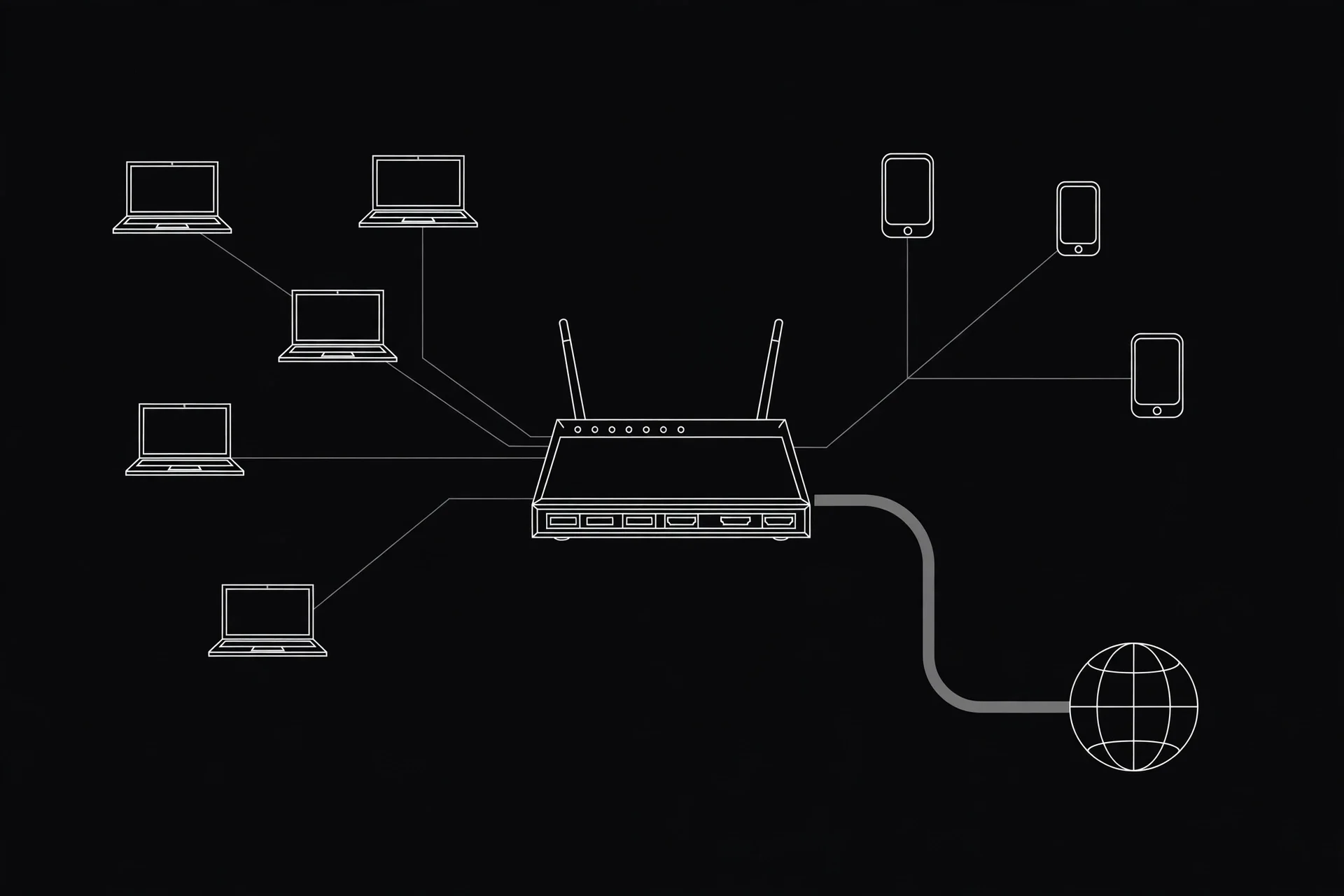
This is where it pays to know the difference. A proxy changes your public IP, and only your public IP.
Set a proxy from the ProxyNest list, picking one from the country you need on the locations page, then re-check with the What Is My IP tool. The public address now belongs to the proxy server, in the proxy's country. Your private IP hasn't moved at all. Your router still calls your laptop 192.168.1.23, and your provider still sees you connecting to the proxy. What changed is what websites see.
Here's my honest take: a private IP is not a privacy feature. It hides nothing from your provider or the sites you visit, because neither of them ever saw it. If you want websites to see a different address, you need a proxy or a VPN. Don't let the word "private" fool you into feeling protected.
Want the full picture of what a site learns about you beyond the IP? Here's what the internet knows about you.
The 100.64 trap: when your public IP looks private
Sometimes the What Is My IP tool shows an address starting with 100.64. It looks private, but it isn't one of the RFC 1918 ranges. That's CGNAT, carrier-grade NAT: your provider ran out of public addresses and put a second layer of NAT between you and the internet, so you share one real public IP with other customers.
It matters for two reasons. Port forwarding from your router won't work, because the public address isn't really yours. And if that shared public IP gets blocked somewhere, you inherit the block even though you did nothing. If a site keeps blocking you behind CGNAT, a proxy gives you a different public address that isn't shared that way.
Quick answers
- Can someone on the internet reach me using my private IP? No. It's not routable outside your network, and your router's firewall would still block them.
- Should I hide my private IP? There's nothing to hide. It's never visible outside your home network, so share it with tech support freely. Just don't post your public IP in public.
- Does my private IP change? Yes, when devices reconnect or the router restarts. It doesn't matter, because nothing outside your house uses it.
- Which one does a website see? Always the public one, or the proxy's public one if you're using a proxy.
Go check yours
Now you know which address is which. Go check yours, then try a proxy and watch the public one change while the private one stays put. Once you've seen it with your own eyes, you won't mix them up again.
Comments
Loading comments…
Leave a comment