
My IP Changed Again? Why Your IP Address Keeps Changing
You checked your IP last week. Today it is different, and you changed nothing. Relax: a changing home IP is almost always boring, normal, and even a little bit good. Here is what is happening, how to verify it in 30 seconds, and the one case where it is a real problem.

First, the reassuring truth: nobody hacked you
Your public IP is assigned by your internet provider. Nobody else can log into their systems and swap it. Not a hacker, not a neighbor, not a website you visited. If your IP changed overnight, the boring answer is almost certainly right: your provider moved you to a different address, and that is how home internet works.
What would actually look suspicious? A flood of "new login" emails, your router password no longer working, or unknown devices on your Wi-Fi. An IP that quietly changed overnight is not on that list.
The 5 real reasons your IP keeps changing
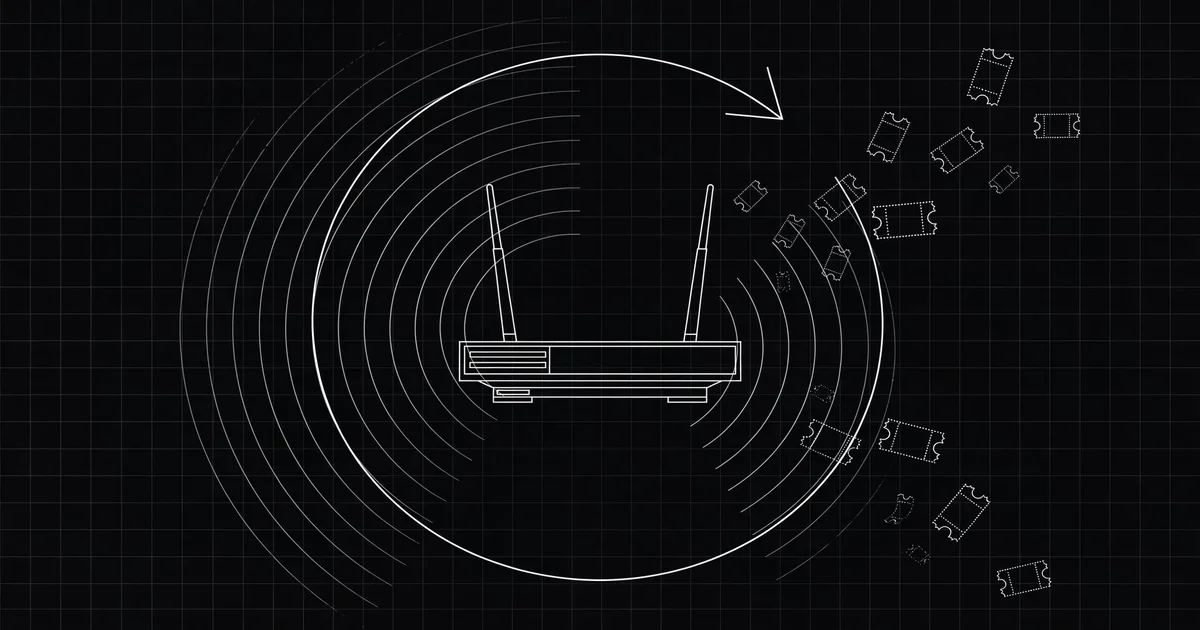
1. You rent your IP. You don't own it. Most home plans use dynamic addressing: your provider lends you an IP from a shared pool for a limited time, called a lease. Renewal usually keeps your address, but not always. Leases run 24 hours to a week, and many renew overnight. This is the DHCP system doing what it was built to do.
2. Your router reconnected. Power cut, restart, firmware update, or overnight maintenance by your provider: any reconnection asks for a fresh lease, and the fresh one is often a different number. Unplug your router for ten minutes and you have decent odds of coming back with a new IP.
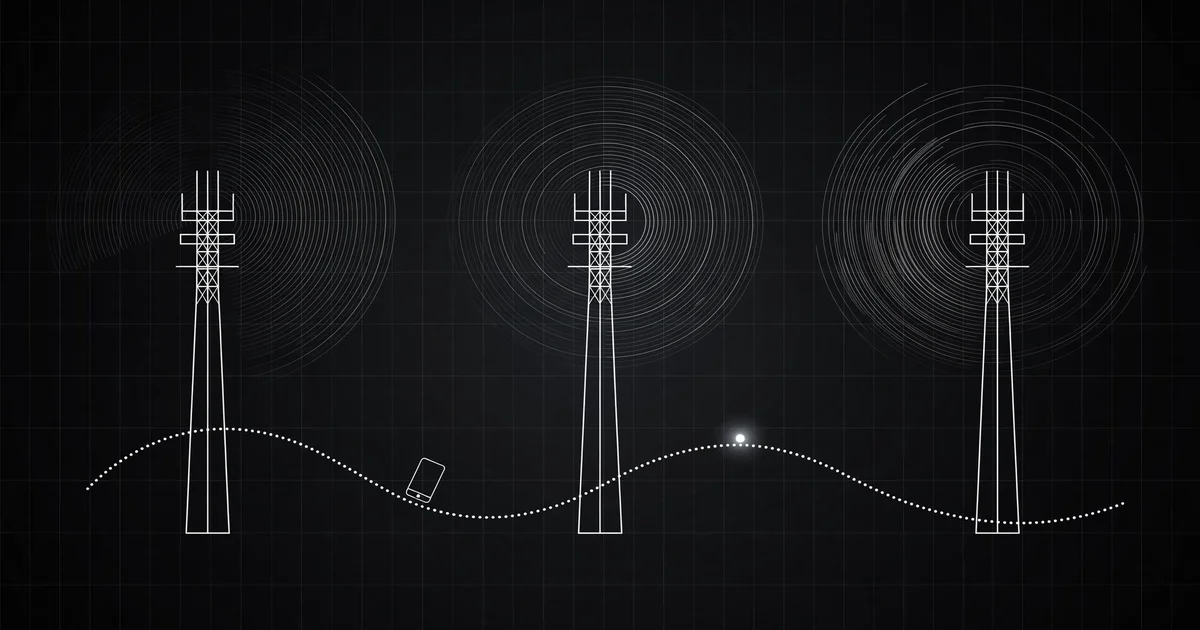
3. You are on mobile data. Phones change IPs the most. Move across town and your carrier hands you off between towers, each with its own slice of the IP pool. Some carriers reassign mobile IPs every few hours even if you never move.
4. You switched networks. Home Wi-Fi, office Wi-Fi, cafe hotspot: each has its own public IP. Your phone jumping between them means your visible IP jumps too. This confuses people constantly, because nothing "changed" from their point of view.
5. Your provider reshuffled the pool. ISPs merge ranges, rebalance load, and do maintenance. Sometimes your new IP geolocates to a different city, which is how people end up convinced they are "in the wrong location". The address moved; you didn't.
Prefer watching? This short explainer from PureSquare covers static vs dynamic IPs in under three minutes.
Wait: is it really your IP that changed?
Three common mix-ups cause most of the panic. First, people check the wrong number. The 192.168.x.x in your Wi-Fi settings is your private address inside your own network. Websites never see it. Only the public address matters, and you can see yours with the What Is My IP tool.
Second, a VPN or proxy makes it look like your IP changed when your connection never did. Connect a VPN and every site suddenly sees the VPN's exit IP. Forget the VPN is on, check your IP, and you will swear it "changed by itself". I have done this. We have all done this.
Third, geolocation databases lie a little. Your IP might be identical, but the database mapping IPs to cities got updated and now thinks you are two towns over. Nothing changed except a spreadsheet somewhere. If your streaming service suddenly shows the wrong region, this is usually why.
The 30-second test (and the 7-day version)
Do this once and you will never wonder again. Open the What Is My IP tool, write down the address, and repeat tomorrow morning. That is the whole test.
Same address all week? Your provider is "sticky": technically dynamic, practically stable. New address after every router restart? It hands out whatever is free at reconnection time. Different address twice in one day on mobile data? Standard for carriers.
Here is how to read the pattern. Monday shows 103.88.142.19, Thursday shows 103.88.146.77. Same first two groups: your provider moved you within its own pool. Normal. But if Thursday shows a datacenter range you don't recognize, check for a forgotten VPN or, rarely, a hijacked router. Context turns a scary number into a boring one.
When a changing IP is actually a problem
Here is my honest take: a rotating home IP is a free privacy perk. Trackers have a harder time gluing your browsing history to one number. Don't fight the rotation unless something you run genuinely needs a fixed address. Most people trying to "fix" a changing IP are solving a problem they don't have.
But there are real cases where it bites. The classic: you set up remote access to a home camera using your raw IP, like 39.41.216.8. A storm knocks out power, the router reconnects, and now you are on 39.43.118.205. Your bookmarked link dies. The same thing breaks IP-whitelisted logins: some services only let your home IP through, and the moment it rotates, you are locked out. It can also flip your streaming region overnight.
I learned this running a small file server from home. My provider renewed leases around 3 AM, so every few nights I woke up to dead port-forwarded links and a server nobody could reach. I burned a weekend "fixing" my network before admitting the network was fine. The address was rented, not owned.
How to stop it changing (when you actually need to)
If you have one of the real problems above, here are your options, cheapest first:
- Use a DDNS hostname. A free dynamic-DNS name (like myhouse.ddns.net) auto-updates whenever your IP changes. You connect to the name, never the number. This fixes home servers and cameras permanently, at no cost.
- Switch from IP-based access to logins. If a service whitelists your home IP, ask whether it supports username and password instead. Credentials survive IP rotations; whitelists don't. Same logic for proxies: pick SOCKS5 proxies with login support over anything tied to your address.
- Ask your ISP for a static IP. Many providers sell one as a small monthly add-on. Worth it if you host anything; overkill if you just browse.
- Use a VPN with a dedicated IP. This pins your visible address, but now you rent the address from the VPN company instead of your ISP, and pay more for it. Fine for remote work whitelists, silly as a privacy move.
Whatever you choose, verify it on the What Is My IP tool, then re-check after a router restart. Curious what that address reveals about you? See what your IP reveals and how to test a proxy. More answers live in the FAQ.
The bottom line
Your IP changes because your provider lends you addresses instead of giving you one. Check it with our free tool, learn your provider's rhythm over a week, and only spend money fixing it if something you depend on breaks. The rest is just the internet doing its normal, slightly restless thing.
Comments
Loading comments…
Leave a comment