
Avast Blocked 20.8 Million Attacks Tied to Residential Proxies. Is Your Bandwidth Being Sold?
That "free VPN" or "earn cash from your unused internet" app on your phone might be doing more than you agreed to. Threat researchers at Gen, the company behind Avast, just counted 20.8 million blocked attacks linked to residential proxy traffic in nine months. Here's what that number means, how ordinary phones quietly end up inside these networks, and a 10-minute cleanup that gets yours out.

What the Avast report actually found
Let's start with the numbers, and read them carefully instead of panicking. Between January and mid-September 2026, Gen's threat researchers analyzed attacks their products blocked on Windows computers and counted 20.8 million distinct blocked attacks associated with traffic linked to residential proxies. That breaks down to 5.15 million phishing attempts, 1.26 million malvertising hits, 667,000 trojans, 388,000 e-shop scams, and 408,000 miscellaneous attacks. The most affected countries were India (1.76 million), Brazil (1.50 million), and Vietnam (1.32 million).
The uncomfortable part is the supply side. The report's survey found 29% of U.S. consumers have installed an app offering rewards, money, or free features for sharing unused bandwidth. But only 33% believe that could create privacy or security risks. Most people doing this have no idea what they signed up for.
One more thing the report insists on: residential proxy services have legitimate commercial uses, and one provider, Bright Data, accounted for roughly 83% of the observed traffic. Avast explicitly says that is not a risk ranking and does not mean any provider knew of or authorized the activity. Malicious traffic passing through a network is not proof the provider signed off on it. Attackers abuse big platforms precisely because their traffic blends in. Read Avast's full report by Jeremy Coppock if you want the source.
How your phone ends up in one of these networks
You do not need to be hacked in the movie sense. A normal person's device gets recruited in three completely ordinary ways:
- Bandwidth-sharing apps. These are the overt ones. You install an app that promises passive income, a few dollars, or free perks in exchange for sharing your "unused" internet. The report names Honeygain as one example. The deal sounds harmless, but you are really renting out your home IP. Every site the network's customers visit will see your address.
- Free VPNs that resell your connection. Some free VPNs never charge you because you are the product in a different way. They sell access to your device's connection instead of collecting subscription money. Hola got caught doing exactly this years ago, and the business model is still alive. If a VPN costs nothing and has no paid tier or clear business model, ask yourself who pays the server bills.
- Malware from pirated stuff. Residential proxy software can also arrive silently bundled inside pirated games, movies, or apps. The FBI issued a PSA about this pattern in 2026. You think you downloaded a cracked game; you actually installed someone's proxy exit node.
The shared theme: you agreed to something, just not to the part where strangers' phishing and scam traffic comes out of your IP address.
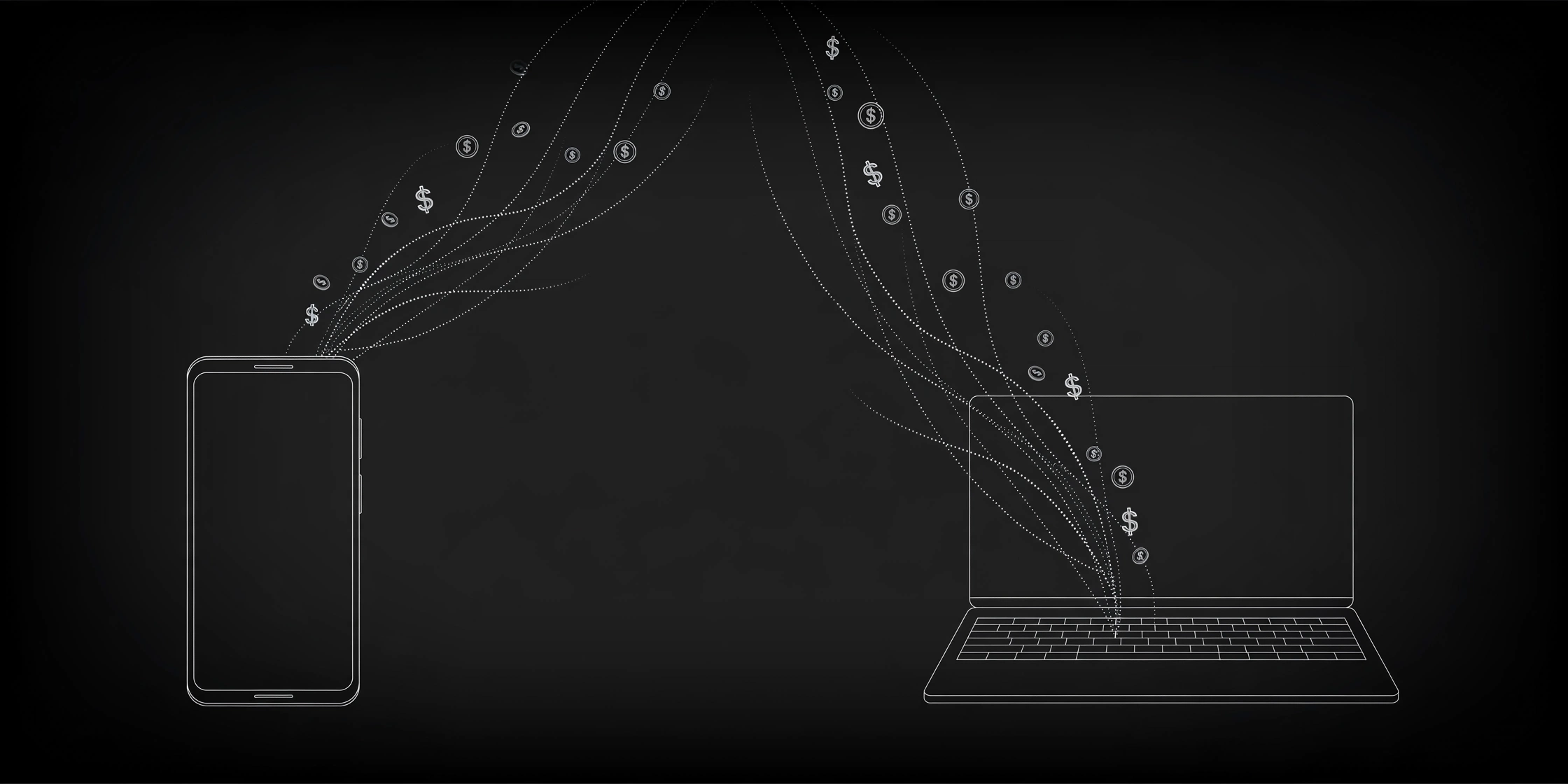
Prefer watching? This 10-minute explainer shows exactly how home devices get recruited into residential proxy networks, and what keeps yours out.
5 signs your bandwidth is being sold
Most people notice something feels off long before they know the cause:
- Your data usage spikes for no reason. On Android: Settings, Network and internet, SIMs, App data usage. On iPhone: Settings, Cellular (or Mobile Data), scroll down to per-app usage. An app you barely open burning gigabytes is a red flag.
- Your connection got slower, especially uploads. Someone else's traffic flowing through your connection eats your upload first. Run a speed test, then close everything and run it again.
- You keep solving CAPTCHAs or getting blocked. If websites suddenly treat you like a bot, your IP may have been flagged because of someone else's traffic.
- Your IP location looks wrong. Open our What Is My IP tool. If the city or ISP shown does not match yours, or it keeps changing, something is off.
- Your phone runs hot and the battery drains while idle. A proxy relay running in the background does real work, and your battery pays for it.
One symptom alone proves nothing. Two or three together mean it is time to do the cleanup below.
The 10-minute cleanup
Do these in order. Ten minutes, no special tools needed.
- Uninstall the suspicious apps. Anything that promised money or rewards for sharing bandwidth goes first. Then any free VPN you do not actively use and trust, and any app you sideloaded from outside the Play Store or App Store.
- Check background data usage. Look at per-app data stats for the last month. Anything with heavy usage that you don't recognize gets uninstalled. On Android you can also restrict background data per app.
- Run a scan. Use a reputable mobile antivirus or your platform's built-in protection (Google Play Protect on Android, the App Store review process plus a trusted scanner on iOS). Malware-bundled proxy software is exactly what these scans look for.
- Change your Wi-Fi password and reboot the router. This kicks off any unknown devices sitting on your network and drops persistent sessions.
- Reset network settings. On Android: Settings, System, Reset options, Reset Wi-Fi, mobile and Bluetooth. On iPhone: Settings, General, Transfer or Reset iPhone, Reset, Reset Network Settings. This wipes VPN profiles and proxy entries you never added yourself. You will need to re-enter your Wi-Fi password.
- Verify. Open the What Is My IP tool and confirm the address, city, and ISP look like yours. Then run the leak test to make sure nothing is tunneling around you.
If the weird symptoms stop after this, you have your answer.
Why using ProxyNest does not do this to you
Here's the difference: ProxyNest lists public proxy addresses that you paste into your browser settings. That's it. Nothing installs on your device, no app runs in the background, and your bandwidth is never sold because there is no software on your phone to sell it with.
The honest side still applies, and we say it on every post: a free proxy is a stranger's server, so don't log into your bank or email through one, and always check that it actually hides your IP. Use our proxy checker to test any proxy first, and read the honest guide to free proxy safety before routing anything sensitive. Our guide on telling if a proxy is reliable shows how to judge a proxy's track record.
The bottom line
If an app pays you for "unused bandwidth", you aren't getting free money. You are renting out your IP's reputation to strangers, and 20.8 million blocked attacks show what some of them do with it. Spend ten minutes on the cleanup. Then, if you actually need a proxy, grab one the boring way: pick it from a list, paste it into your settings, and keep it off your phone's background.
Comments
Loading comments…
Leave a comment