
What Is My User Agent? How Websites See Your Browser
Before a single pixel of a page loads, your browser introduces itself. It sends a short line of text with every request that says, in effect: "Hi, I'm Chrome 129 on a Windows 11 laptop." That line is called the user agent, and it's been announcing your setup to every website since the 1990s.

The ID card your browser hands over
Open a website right now and your browser has already sent something like this:
Mozilla/5.0 (Windows NT 10.0; Win64; x64) AppleWebKit/537.36 (KHTML, like Gecko) Chrome/129.0.0.0 Safari/537.36
Looks like someone smashed a keyboard, but it decodes cleanly:
- Mozilla/5.0: a fossil. Browsers have claimed to be Mozilla since the browser wars; servers expect it, so everyone keeps saying it.
- (Windows NT 10.0; Win64; x64): your operating system and CPU type.
- AppleWebKit/537.36: the rendering engine under the hood.
- Chrome/129.0.0.0: the actual browser and version. This is the part that matters most.
- Safari/537.36: compatibility theater. Nearly every Chromium browser claims to be Safari so old servers don't get confused.
Here's a real one from a phone: Chrome on a Pixel 8 sends Linux; Android 14; Pixel 8 inside the string. A site reading that knows your exact phone model and OS before you've tapped anything. MDN's reference on the User-Agent header documents exactly which tokens browsers send and why, if you want the full spec.

Why browsers bother sending it at all
This didn't start as a tracking scheme. It started as a practical hack. In the early web, some browsers couldn't handle frames or JavaScript, so sites asked "who are you?" and served a simpler page to the weak ones. The habit stuck, and today that one line drives small decisions thousands of times a day:
- Do you get the mobile layout or the desktop one?
- Should the download button offer the Android app or the iPhone app?
- Does your browser support this video format, or should we send the fallback?
None of that is sinister. It's how the web adapts to billions of different devices without asking you questions every time you click a link.
What your user agent reveals (and what it doesn't)
It reveals your browser and exact version, your operating system and version, whether you're on mobile or desktop, and sometimes your exact phone model (Android strings often include it; iPhones historically don't). That sounds like a lot, until you compare it with what it doesn't say: your name, your email, your location, anything about you personally. Location comes from your IP address, which is a different story we covered in what your IP address reveals about you.
Put it this way: the user agent describes your car, not the driver.
The sneaky part: browser fingerprinting
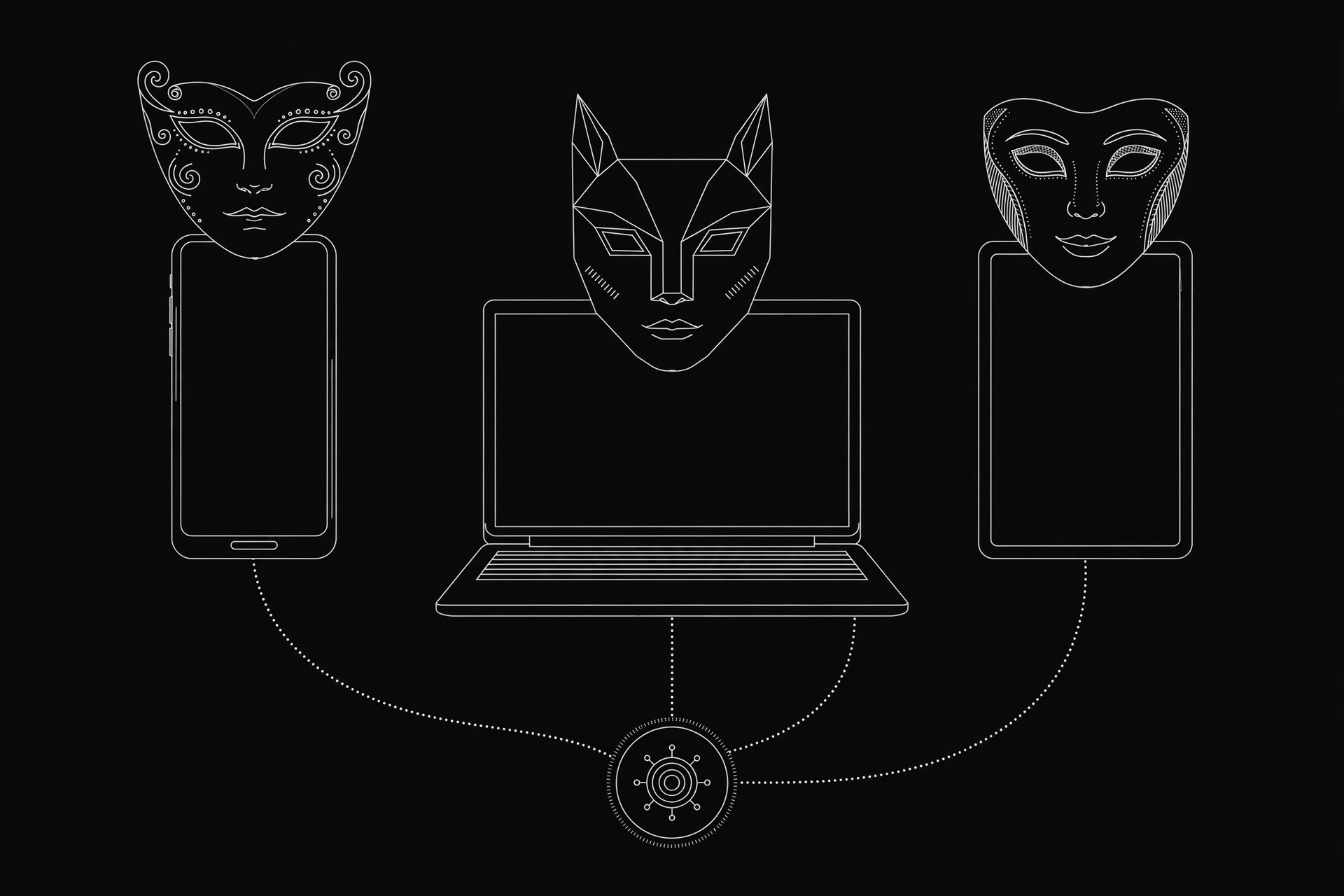
One user agent is boring. Millions of them are nearly identical. The problem starts when sites combine it with other small details: screen resolution, installed fonts, timezone, tiny quirks in how your graphics chip draws. Alone, each is common. Together they can form a combination unique enough to recognize you across visits, even with cookies blocked. That's browser fingerprinting.
I'm not going to tell you to panic. Most websites don't bother with serious fingerprinting; it's real work. But ad networks and fraud-detection systems absolutely do, and your user agent is one ingredient in that recipe. If leaks worry you, run the checks in our VPN leak test guide too, since a fingerprint means little if your real IP is exposed anyway.
Should you change or hide your user agent?
Browser extensions can swap your user agent for a fake one, and there are legitimate reasons to do it:
- A developer testing how her site renders on an iPhone without owning one.
- Dodging a site that wrongly blocks your perfectly fine browser.
- Plain curiosity about what the mobile version of a page looks like.
But know the tradeoffs. Sites will serve you the wrong layout. Video players may pick the wrong codec. And here's the part the extension pages skip: changing this one string does almost nothing for real anonymity. Your IP address still says where you are. Cookies still say who you are. The rest of the fingerprint is still yours. It's a disguise for one ingredient, not a new identity.
Check yours right now
Curious what you're broadcasting? Our User Agent Checker shows your exact string in two seconds, decoded into plain English. No signup, no install, just the answer. Pair it with the What Is My IP tool and you get the full picture of what a site learns about you on first contact. And if you ever route through one of our free proxies, check both again afterwards: that's how you confirm the proxy is actually doing its job.
The honest checklist
- Check what yours says today. Most people are surprised by the detail.
- Keep your browser updated. An old user agent advertises known vulnerabilities to anyone who looks.
- Don't obsess. Next to IP tracking and cookies, the user agent is a minor player.
- If a site misbehaves because of your user agent string, spoofing is a fine workaround. Just don't mistake it for privacy.
Still have questions? The FAQ covers the common ones, or drop a comment below.
Comments
Loading comments…
Leave a comment