
What Is a Rotating Proxy and Do You Need One?
A regular proxy sends all your traffic through one IP address. A rotating proxy changes the IP for you, on every request or on a timer, pulling from a big pool. But the second half of the question matters more, because most people who ask it don't need one. Let's sort out who does.

What a rotating proxy actually is
A normal proxy is a single middleman. Every request goes out through the same IP. Send five thousand requests through it and the target site sees five thousand requests from one address. That's a pattern, and patterns get flagged.
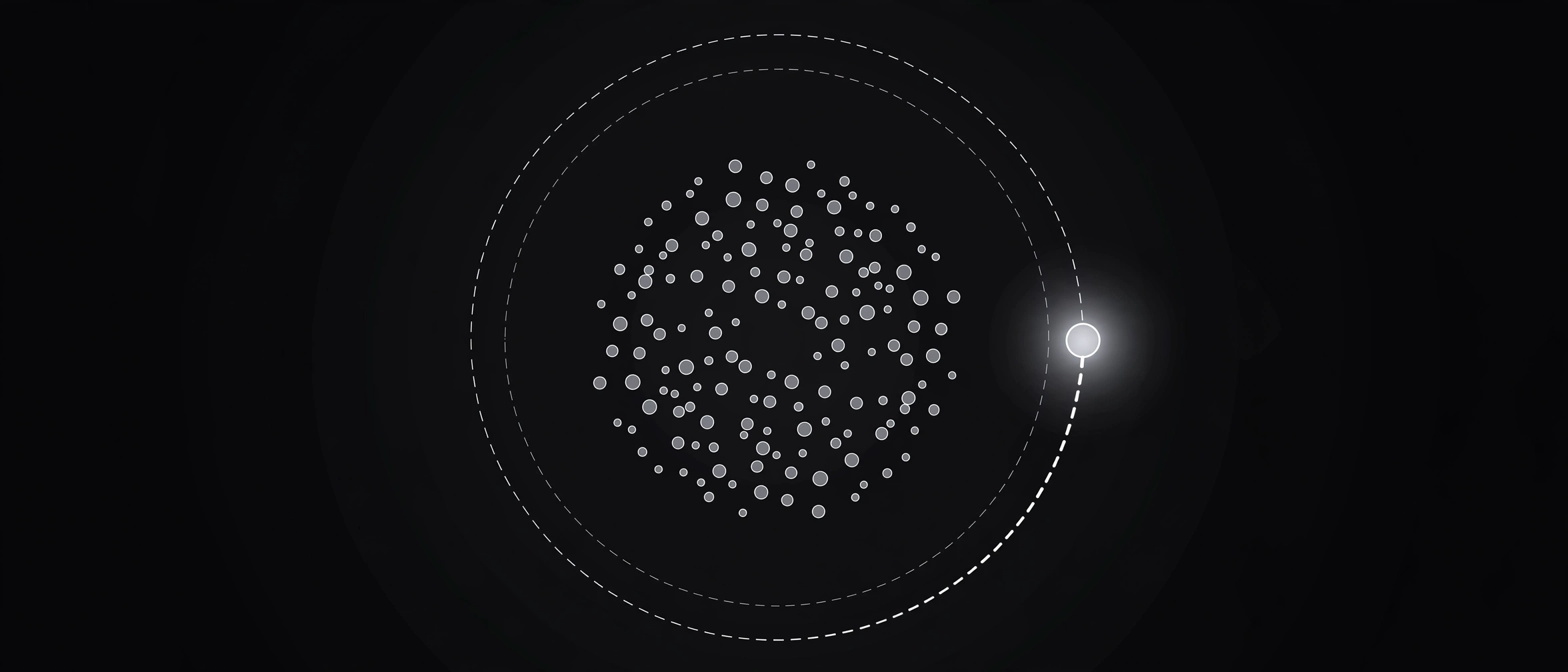
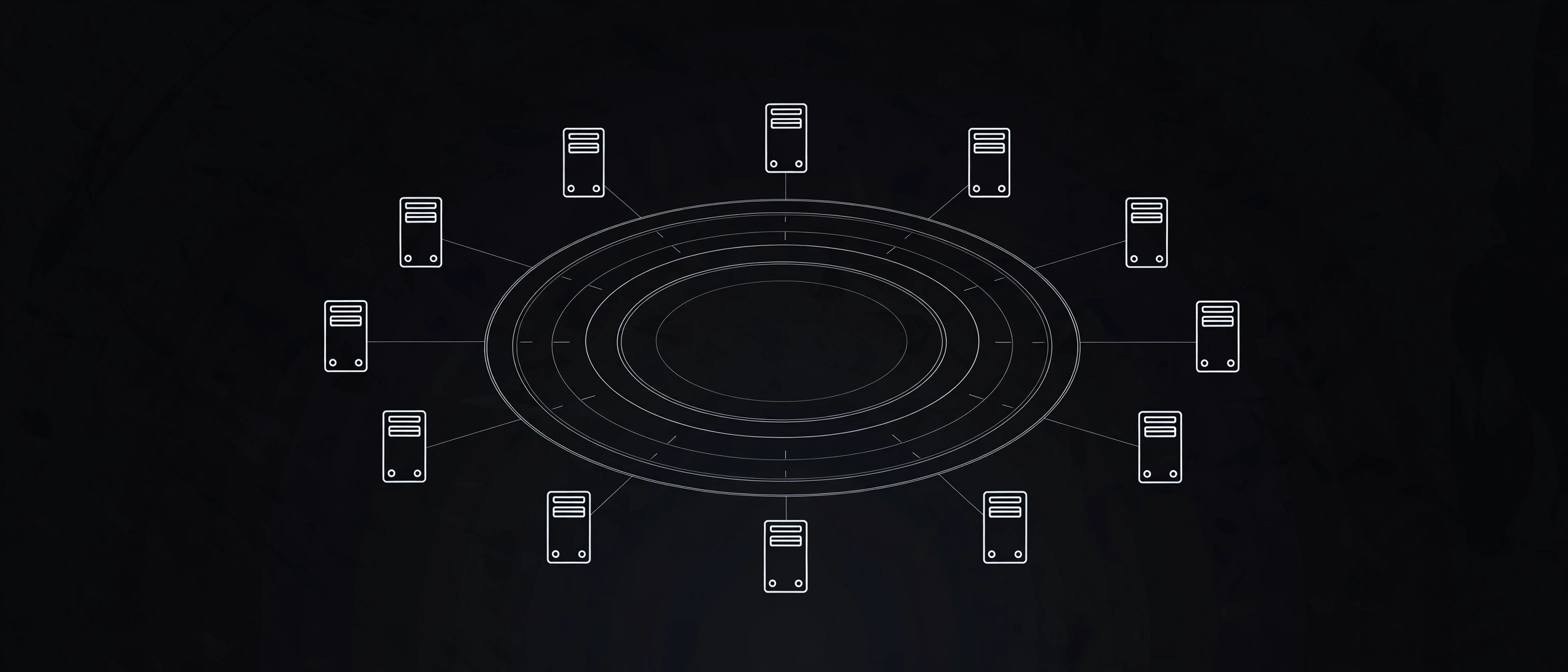
A rotating proxy breaks the pattern. Instead of one address, you get access to a pool: thousands or even millions of IPs run by the provider. You connect to a single gateway endpoint, and the gateway hands each of your requests a different IP from the pool. Your scraper sends five thousand requests. The site sees what looks like five thousand different visitors.
I used to picture this as something exotic, the kind of thing only data companies use. It's not. It's plumbing. The provider maintains the pool, watches IP health, and replaces addresses that get blocked. You point your traffic at one endpoint and stop thinking about it. At least, that's the sales pitch.
How rotation actually works
Every request takes the same trip:
- Your app sends the request to the gateway, not to the target site.
- The gateway's load balancer picks an available IP from the pool, using your settings (country, session rules).
- The request goes out through that IP, and the response comes back the same way.
The part you control is the rotation rule. Three common ones:
- Per-request rotation: a fresh IP for every single request. Maximum spread, zero continuity. Great for independent fetches like product pages, search results, or availability checks.
- Timed rotation: the IP changes every few minutes. A middle ground when you want spread without chaos.
- Sticky sessions: one IP stays with you for a fixed window, often 10 to 30 minutes. You need this whenever requests depend on each other: pagination, anything after a login, multi-step forms and checkouts.
The big scraping platforms all work this way. Zyte's guide to rotating proxies describes the same rotation modes with more technical detail if you want it.
One thing rotation doesn't do: make you invisible. Sites look at far more than your IP these days. Browser fingerprints, cookies, request timing, JavaScript behavior. A rotating IP with the same fingerprint on every request still looks like one visitor wearing different hats. Rotation solves the IP-concentration problem and nothing else.
Prefer watching? This six-minute explainer walks through rotation, pools, and rotation strategies visually.
Do you actually need one? The honest answer
Here's my test. Count your requests. If you send a few dozen a day to a site, you don't have a rotation problem. Nothing will notice you, and no rotating service will change your life.
If you're firing off hundreds of requests in a few minutes and getting blocked, rate-limited, or served captchas, that's when rotation starts making sense. The people who genuinely need it are scraping thousands of pages, tracking prices across many products, verifying ads in different regions, or checking search rankings at scale.
And here's the opinion part. If a rotating-proxy sales page told you rotation is "essential for privacy," that was marketing, not advice. For casual browsing, one decent proxy does the job, and a VPN does it better. Don't pay fifty dollars a month for a problem you don't have.
I ran the numbers on our own list
Let me show you the other side: what rotation looks like when your pool is free. This morning I pulled 600 HTTP proxies from the live ProxyNest list. All 600 had passed the most recent automated check, with a median latency of 117 milliseconds, spread across 16 countries. On paper, that's a rotation pool.
Then I tried to actually use them. From my own network, I attempted connections through 100 of the fastest ones. Zero connected. Dead between checks, overloaded, or refusing outside traffic.
That sounds bad, but it's the honest reality of free proxies, and it's exactly why hand-built rotation needs babysitting. A paid rotation pool guarantees every IP in it works. A free pool is a leaky bucket. You can absolutely rotate through free proxies (I describe how below), but you have to re-test constantly and never trust a proxy you checked yesterday. Rotation multiplies your options. It doesn't multiply reliability.
The poor man's rotation: doing it free
The core idea is simple. Instead of one proxy, keep a short list and cycle through it. Request one goes through proxy A, request two through proxy B, and so on. No gateway, no subscription.
Here's how to do it without tripping over dead servers. Our proxy-testing guide goes deeper on each check:
- Open the proxy list and grab 5 to 10 HTTP proxies with low latency and recent passing checks.
- Run each one through the Proxy Checker first and drop anything that fails.
- Put the survivors in a list and have your script cycle through them, one proxy per request. The API docs show how to pull the list programmatically.
- Confirm the IP actually changes between switches with What Is My IP. Trust, but verify.
- Expect deaths. When a proxy stops responding mid-run (and one will), swap in a fresh one from the list and keep going.
A concrete example: say you're checking prices on 60 product pages. One proxy means 60 hits from a single IP in two minutes. Cycling through six tested proxies makes it 10 hits each. Same work, far less conspicuous. If you write Python, the pattern is a list of proxies with itertools.cycle feeding each request.
When rotation will hurt you
Rotation is a tool, and tools have wrong uses. The big one: anything with a login. If your IP changes mid-session, the site may log you out or lock the account. Checkouts and multi-step forms break the same way. That's what sticky sessions exist for, and hand-rolled free rotation doesn't give you those.
Another wrong use: testing whether your proxy leaks your real IP. For that you want one stable proxy and a careful look at the results, not a moving target.
And the obvious one: never route anything sensitive through rotating free proxies. Rotation doesn't make you safer. It multiplies the number of strangers handling your traffic. Banks, email, anything with a password: keep it off free proxies.
The bottom line
Rotation spreads your requests across many IPs so no single address draws attention. At real scale, it's the right tool, and it's worth paying for. Below that scale, it's an expense in search of a problem.
If you want to experiment, start free. Grab a handful of tested proxies from the list, cycle through them, and see whether your blocks actually go away. That's a better education than any sales page.
Comments
Loading comments…
Leave a comment