
What Is a Proxy Server? A Simple Beginner's Guide
Open ProxyNest's proxy list and you'll see HTTP next to most entries. It looks like the default option, the safe pick. Then you paste one into your browser, and one of three things happens. A site loads and you have no idea what changed. Nothing loads at all. Or it works for ten minutes and dies. This guide fixes that: what an HTTP proxy actually does, how to pick one that works, and how to check it with your own eyes.
What an HTTP proxy actually does
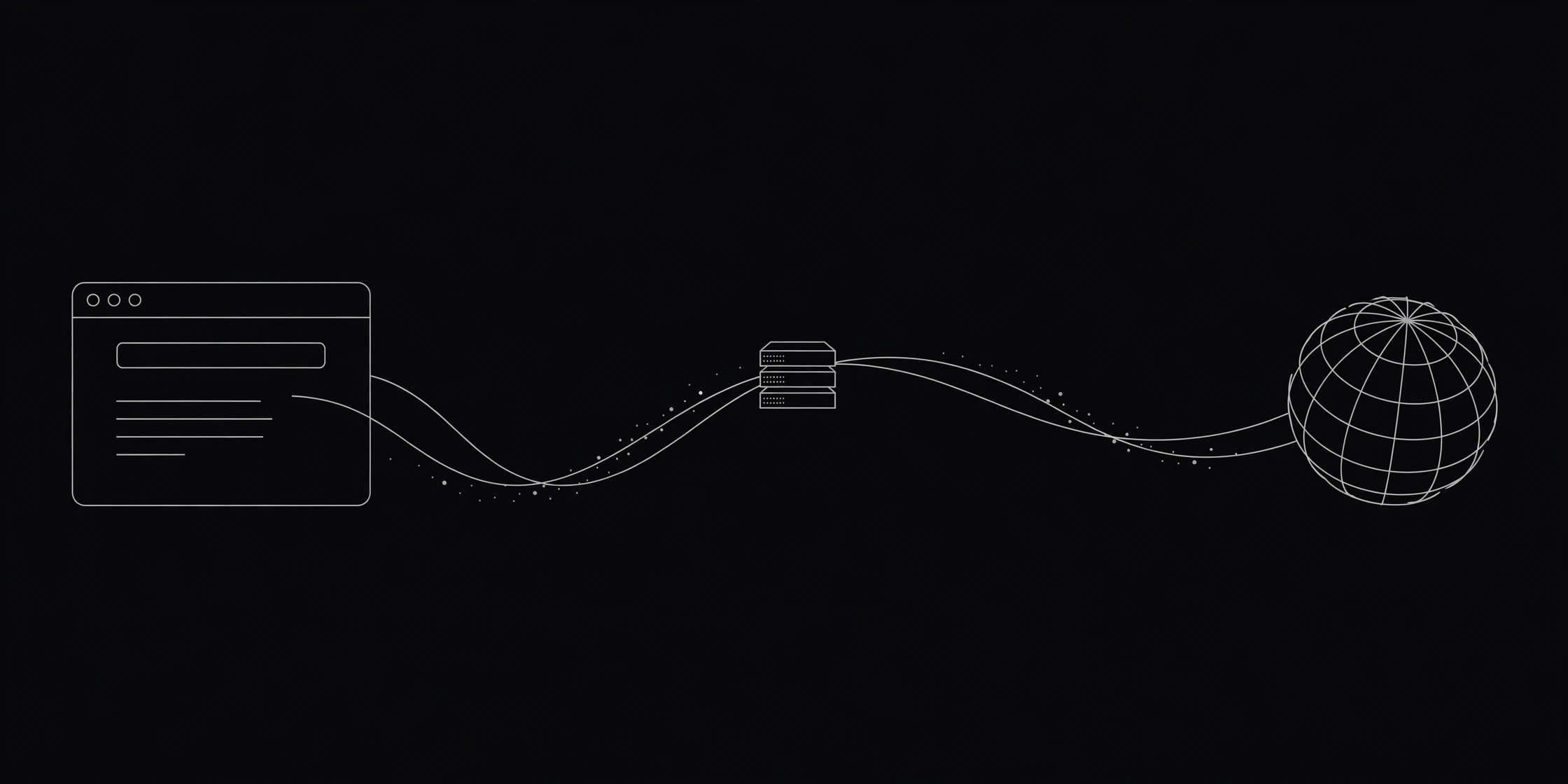
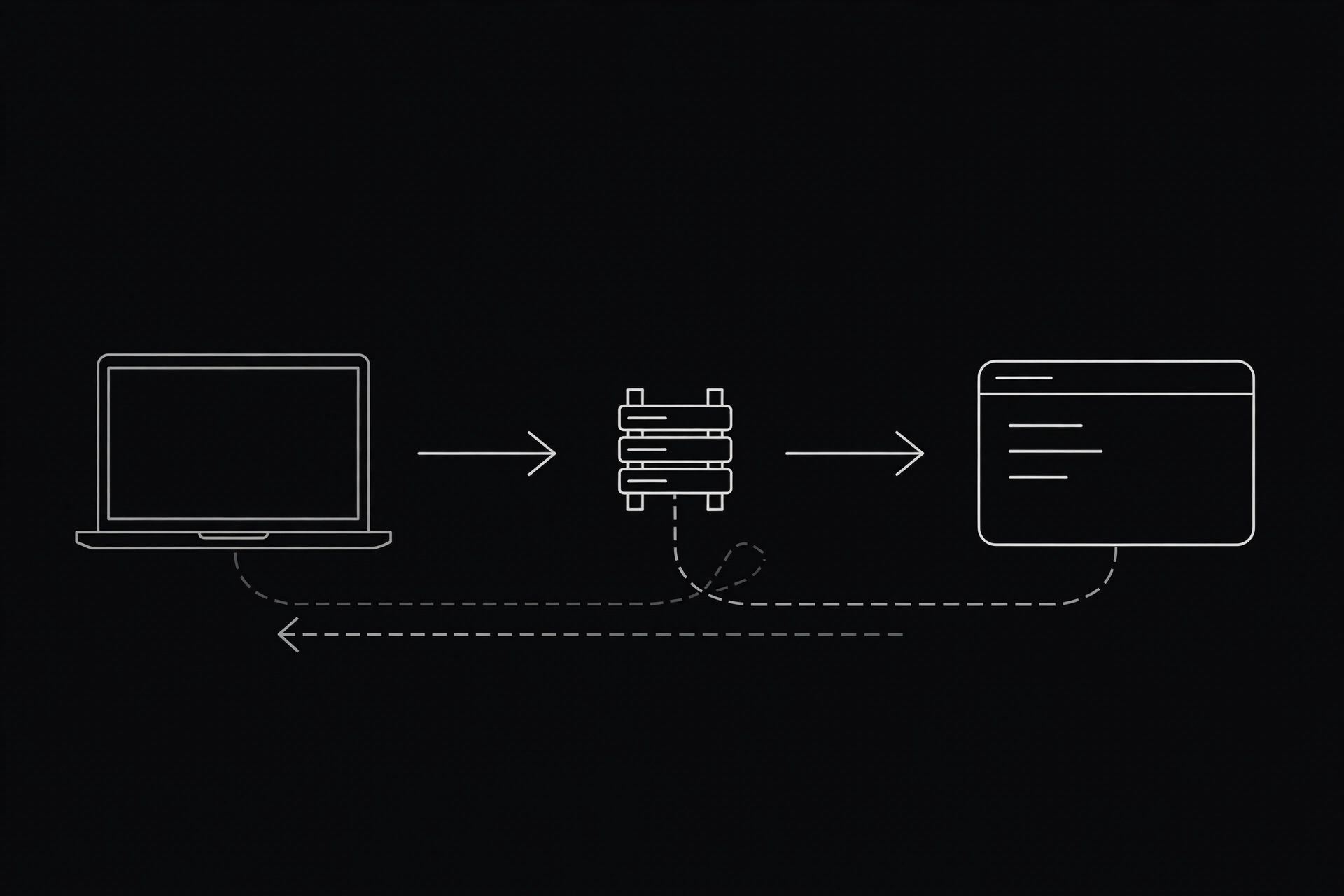
An HTTP proxy is a middleman that speaks the web's language. Your browser sends it a request, it forwards that request to the website, and it hands the answer back to you. The website sees the proxy's address, not yours. That's the whole job.
What makes it an HTTP proxy is that it understands web traffic: the request line, the headers, the method, GET, POST, that sort of thing. A SOCKS proxy doesn't care about any of that. It just moves bytes from A to B.
Here's the detail most guides skip. For a plain http:// page, your browser sends the proxy the full address in the request line, something like GET http://example.com/page. The proxy reads it and knows where to go. That full-address style defines the protocol, and it's also why an HTTP proxy can filter, cache, and log requests. It sees them. Wikipedia's proxy server article has the formal definition.
When I first set one up, I pasted the IP into Chrome and spent twenty minutes convinced it wasn't working. Nothing on the page looked different. Of course it didn't: a working proxy is invisible. The only proof is your IP address, and I hadn't checked it. The check takes ten seconds.
The part that confuses everyone: HTTP, HTTPS, and the CONNECT tunnel
People hear "HTTP proxy" and assume it can't handle secure sites. It can: nearly every site you visit today is HTTPS, and HTTP proxies handle those all day. The trick is a method called CONNECT.
For a plain HTTP site, the proxy reads your request and forwards it. For an HTTPS site, your browser sends a short CONNECT instruction with just the domain and port, like CONNECT example.com:443. The proxy opens a raw tunnel and steps aside. Your browser and the website then run their normal TLS handshake through it. The proxy sees the domain, but not the page, the password, or anything inside the encrypted stream.
An HTTP proxy hides your IP from the site, but it doesn't encrypt anything itself. The encryption comes from HTTPS, from the site, not from the proxy. It's fine for browsing and checking how a site looks from another country. It was never a privacy tool on its own.
Prefer watching? This one walks through the request flow with a diagram.
Pick a working HTTP proxy in 2 minutes
Here's my blunt take first. If a site promises free proxies that work forever, close the tab. Free proxies die. That's the deal. What a good list does instead is test constantly and show you the freshest results.
I pulled our own list while writing this: 4,364 HTTP proxies right now, and the five fastest showed latencies between 6.9 and 8.1 milliseconds on our checker. Those numbers come from our test server, not from your connection, so treat them as a shortlist, not a promise.
So pick like this:
- Open the proxy list and filter by protocol: HTTP. Skip SOCKS for this job. You want a proxy that speaks web.
- Sort by latency and take one near the top: under 100 ms is good, under 300 ms is usable, over a second, skip it.
- Check the last-tested time: a green tick from two minutes ago beats one from two hours ago.
- If you need a specific country, use the locations page instead of scrolling the global list. A listing looks like this: 47.91.115.179:8999, United Arab Emirates, 6.9 ms. IP, port, country, speed.
Grab two or three, not one. Free proxies fail without warning, and a spare means you swap instead of starting over.
Set it up in your browser in 3 minutes
You don't need an app or an extension: every major browser has a proxy setting built in.
Chrome. Open Settings, search "proxy", and open your computer's proxy settings. Turn on manual proxy setup, paste the IP in the address field and the port in the port field, then save. On a Mac, the same search leads to System Settings, Network, Wi-Fi, Details, Proxies, where you tick Web Proxy (HTTP) and paste the same two values.
Firefox. Open Settings, go to General, scroll to Network Settings, and click the Settings button. Pick "Manual proxy configuration", paste the IP and port into the HTTP Proxy fields, tick "Also use this proxy for HTTPS", and click OK. Firefox keeps its own proxy setting, so this won't touch the rest of your system.
Close the settings tab and load a page. If it loads, you're through the proxy. If it hangs, the proxy is dead, so swap in your spare. Nine times out of ten, a hang means a dead proxy, not a wrong setting.
Prove it's working before you trust it
A page loading is a weak test. It proves something answered, not that your traffic went through the proxy.
- Open our What Is My IP tool. If the address matches the proxy you pasted, your traffic is flowing through it. If it shows your home IP, the browser ignored the setting.
- Run the same proxy through our Proxy Checker. It tests it with a real request and tells you whether it answers, how fast, and what IP it shows the world.
- Want the full routine? Read how to test a proxy: five checks, about a minute.

When an HTTP proxy is the wrong tool
An HTTP proxy only handles web traffic. Your torrent client, your game, your email app: none of those speak HTTP to a proxy. If you need every app covered, that's a SOCKS5 proxy or a VPN. Read HTTP vs SOCKS5 if you're choosing between them.
And never log into your bank, your email, or anything that matters through a free HTTP proxy. A plain HTTP site sends data anyone on the route can read, and even on HTTPS the proxy operator knows which sites you visit. For anything sensitive, use your normal connection or a paid VPN you trust. We wrote a whole post on why free proxies and banking don't mix.
When it dies or crawls
It will. Free proxies die, get blocked by sites, or slow to a crawl when a thousand people pile onto the same one. When a page that loaded fine yesterday hangs today, swap the proxy before you blame your Wi-Fi. Pick a fresh one, paste it in, and re-check your IP. A dead proxy is a thirty-second problem, not a broken setup.
Go try one
You know what an HTTP proxy is now, and more usefully, you know how to pick one, set it up, and prove it works. The list is right here, with real measured speeds.
Comments
Loading comments…
Leave a comment