
How to Use a Proxy With curl in the Terminal (Step by Step)
You need to see what a website returns from another country, or test an API through a different IP. Skip the browser settings menus. curl sends the request from your terminal in one line. Below is the exact workflow I use, including the step most guides skip: test the proxy before you trust it.

The one command you need
curl is probably already on your machine: macOS ships it, most Linux distros ship it, and Windows 10 and 11 ship it too. Check with:
curl --version
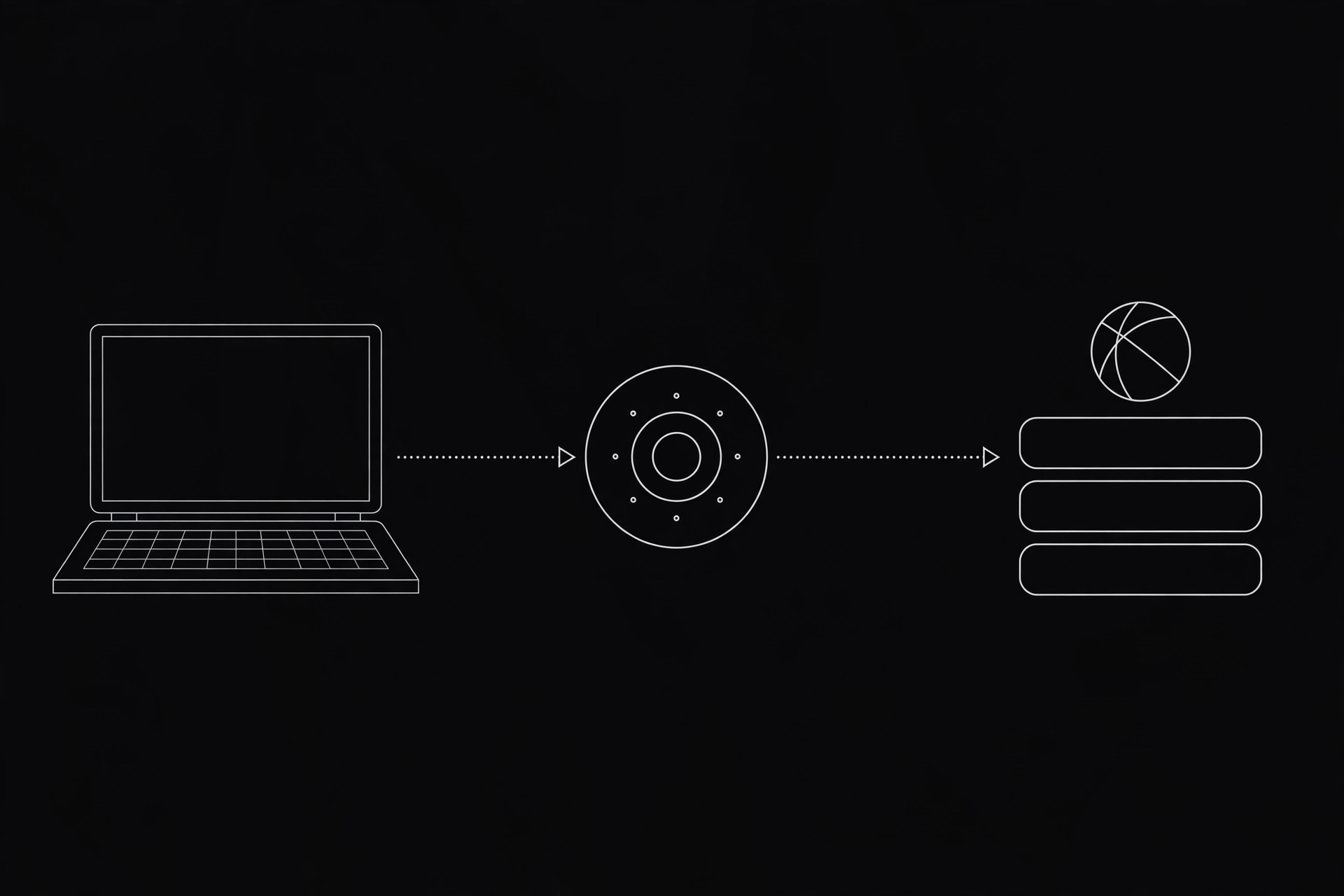
One flag routes a request through a proxy: -x, long form --proxy. The pattern is always the same:
curl -x http://47.91.110.148:4145 https://api.ipify.org
Swap in your own proxy, then hit Enter. api.ipify.org replies with the IP address it sees. If the reply is the proxy's IP, your traffic went through the proxy. If it shows your home IP, it did not.
Two gotchas I hit the first time I did this. Always write the scheme and the port: curl assumes http:// if you skip the scheme, and 1080 if you skip the port, and neither guess is usually right. And Windows PowerShell 5.1 has its own curl alias that ignores these flags, so type curl.exe there. The official curl manual documents the -x option in full.
Pick a proxy that actually works first
Free proxies die fast. The list refreshes every 30 minutes, and an entry that answered an hour ago can be gone now. Never paste a proxy into curl blind. Test it first.
Open the proxy list, sort by speed, and copy two or three HTTP entries. Paste each one into the Proxy Checker: it pings the proxy from our server and tells you in seconds whether it answers and how fast.
I did exactly that while writing this post. The list held 3,882 proxies. I grabbed three at random and ran them through the Checker: a UAE HTTP proxy answered in 8.0 ms, a second UAE entry in 8.8 ms, and a Singapore SOCKS5 proxy in 256.8 ms. All three were alive. The 8 ms one was the obvious pick.
That 30-second check is the difference between a command that works the first time and ten minutes of staring at timeouts.
Prefer watching? This 7-minute walkthrough runs through curl live, from your first request to proxies and scripting.
HTTP or SOCKS5: which scheme do you type?
The scheme at the start of the proxy string tells curl how to talk to the proxy, not which site you are visiting.
For an HTTP proxy, write http://. For a SOCKS5 proxy, write socks5h://. That little h matters. With socks5h, curl asks the proxy to resolve the website's address. With plain socks5, your own machine resolves it, which can leak the site you are visiting and can fail on hostnames only the proxy can reach.
If you remember one thing from this post, make it this: type socks5h, never plain socks5. There is no upside to the short form.
curl -x socks5h://128.199.202.122:1080 https://api.ipify.org
For the full comparison, see HTTP vs SOCKS5 and SOCKS4 vs SOCKS5.
What if the proxy asks for a username and password?
Most paid proxies ask for a login. Free public proxies on ProxyNest do not: paste the IP and port and go. If you ever use a private one, curl gives you two ways in.
curl -x http://proxy.example.com:8080 -U username:password https://api.ipify.org
The -U flag keeps the login out of the address, which I prefer: the command stays readable and the proxy string stays reusable. You can also put the login in the URL itself, as user:pass@host:port, but a password with @ or : in it breaks the parsing. Percent-encode those characters, or switch to -U and quote the value. The details are in Proxy Authentication Explained.
A 407 response means the login was missing or wrong. The proxy error guide covers that code and the others. And keep real passwords out of shared scripts and screenshots: store them in a config file or an environment variable instead.
Stop typing -x every time
If you run dozens of commands through the same proxy, the flag gets old fast. Two ways around it.
Export http_proxy and https_proxy in your shell, and every curl call in that session uses them. curl reads the lowercase names only, so HTTP_PROXY in capitals gets ignored.
export http_proxy="http://47.91.110.148:4145"
export https_proxy="http://47.91.110.148:4145"
curl https://api.ipify.org
Or make it permanent. Add one line to ~/.curlrc on macOS or Linux:
proxy = "http://47.91.110.148:4145"
From then on, plain curl uses the proxy. To skip it for one host, set no_proxy; to skip it for one command, add --noproxy '*'.

A worked example: checking an API from another country
Say you run a small online shop and your supplier's API shows different prices by country. You want the German price list, but your requests come from Pakistan.
Open the locations page and pick Germany. Copy three German HTTP proxies, run each through the Proxy Checker, and keep the fastest one that answers. Then confirm the exit location with What Is My IP: it should say Germany, not Pakistan.
Then run the check:
curl -x http://203.0.113.45:8080 https://api.ipify.org
The reply should be the proxy's own IP, 203.0.113.45 in this example. Now swap in the real target:
curl -x http://203.0.113.45:8080 https://supplier-example.com/api/prices
If the prices come back in euros with German tax, you are looking at the German catalog. If the site answers in your home currency instead, retry with a fresh proxy before you blame the command.
When it fails, read the error
curl tells you what went wrong. Read the message instead of re-running the same command and hoping.
- curl (7), failed to connect: the proxy is dead or refusing connections. Pick another one.
- curl (28), operation timed out: the proxy is too slow or the site is not answering. Add --connect-timeout 10 --max-time 30 so a dead proxy fails fast instead of hanging.
- curl (56), recv failure: the proxy dropped the connection mid-request. Try a faster entry.
- 407 Proxy Authentication Required: missing or wrong login. See the auth section above.
Stuck anyway? Add -v. The verbose output shows the CONNECT line curl sends to the proxy and the exact point where it stops. That one flag has saved me more debugging time than any other. If the proxy is just slow, Why Is My Proxy Slow? walks through the diagnosis.
Your 5-minute checklist
- Check curl is installed: run curl --version.
- Copy two or three fast proxies from the proxy list.
- Test each one in the Proxy Checker and keep the fastest alive entry.
- Run curl -x http://IP:PORT https://api.ipify.org and confirm the reply is the proxy's IP.
- For SOCKS5, use socks5h:// so the proxy resolves the hostname.
- If you use the same proxy all day, save it in ~/.curlrc.
That is the whole job. One flag, one test, one check of the exit IP. The terminal looks scary until you run the first command, then it becomes the fastest way to test any proxy you will ever use. Grab a fast entry from the proxy list and try it now. To pull the list straight into code, see How to Export Proxies From ProxyNest Into Your Script or App, and the FAQ answers the rest.
Comments
Loading comments…
Leave a comment