
How Long Do Free Proxies Last? When to Switch Before It Dies on You
You set up a proxy on Monday. It flies. Tuesday morning, same proxy, same settings, and nothing loads. No helpful error, just a spinning tab. That is the normal life of a free proxy. The fix is not finding one that lasts forever. It is learning when yours is about to die, and switching before it does.

The short answer: about 10 days, if it works at all
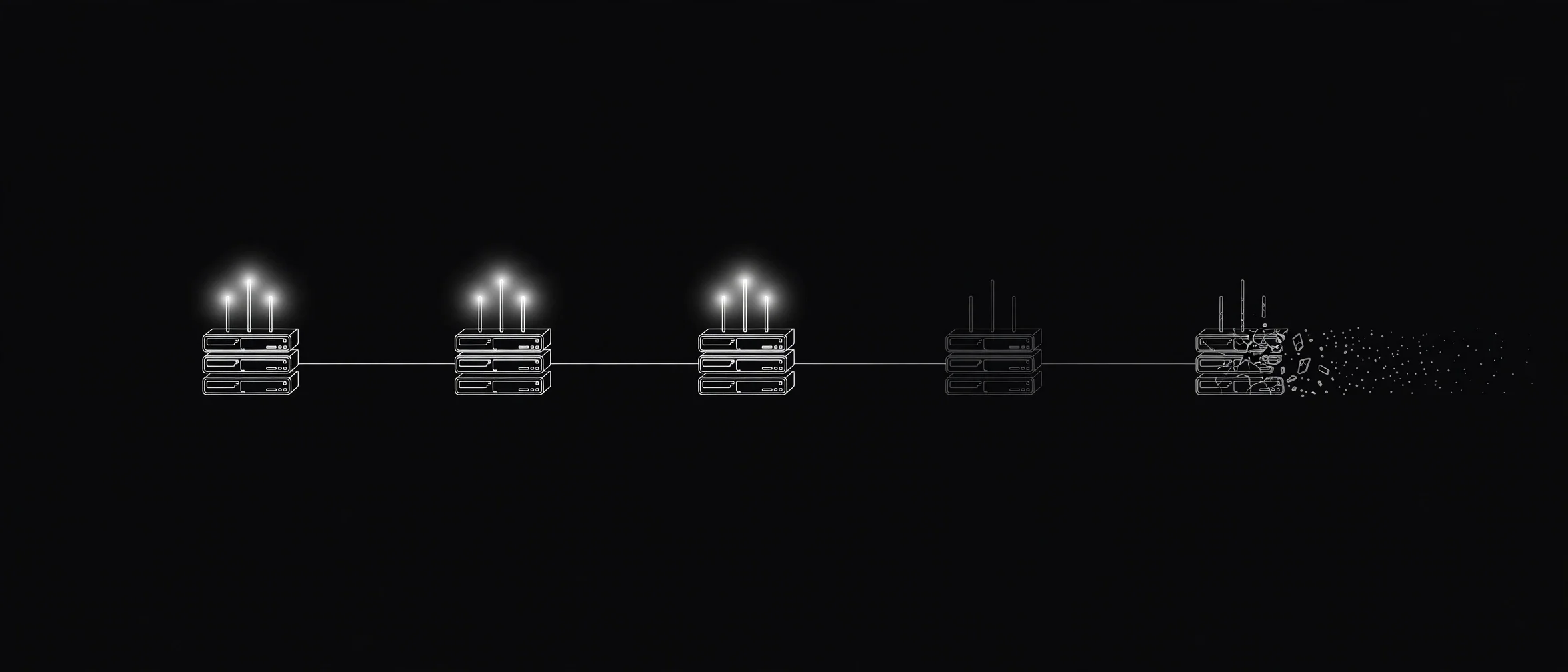
Here is the honest number. HProxy, a free proxy list that checks its own pool around the clock, measured the proxies that actually worked. The median one lasted 235 hours, about 10 days. Around 5 in 100 stopped within their first hour, and about 31 in 100 lasted over a month. Most never answered a single check.
And being alive is not the same as being dependable. The same measurement found the median live proxy succeeded on only 45.5 percent of its own checks. A typical working free proxy fails more often than it works, so never build a plan around one address.
I used to keep one proxy saved in my browser for weeks and wonder why pages kept stalling. I blamed my Wi-Fi and my browser, everything except the proxy. Once I started checking uptime first, the random failures mostly stopped.
So the real question is not how long a free proxy lasts. It is how you spot the one that is about to quit.
Why free proxies die so fast
A free proxy is usually a server nobody is paid to maintain. It dies for one of four reasons:
- The owner closes it. Many free proxies are misconfigured servers. The owner spots the traffic, fixes the setting, and the proxy is gone overnight.
- The crowd kills it. Thousands of people hammer the same address at once. It slows to a crawl, then stops answering.
- Sites block the IP. A shared proxy gets abused, sites flag the address, and your requests start bouncing with 403s.
- The host goes offline. The machine reboots, the ISP pulls the plug, the VPS expires. The proxy just never comes back.
Notice what is missing from that list: nothing about you. A proxy dying is not your fault, and no amount of tweaking brings it back. The smart move is a quick switch, not a long repair job.
Prefer watching? This short explainer shows how proxies work and how they compare with VPNs, which makes the rest of this guide click.
5 warning signs your proxy is about to die
Proxies rarely die without a warning. They slow down and stumble first. See any of these, and start lining up a replacement now.
1. Pages suddenly take much longer to load
Your proxy answered in 400 ms on Monday and 2,800 ms on Wednesday. Same Wi-Fi, same site. That gap is the proxy choking under load.
2. It works, then fails, then works again
A proxy that drops every third request is not having a bad minute. It is a server at its limit. Flaky is the step before dead.
3. CAPTCHAs appear everywhere at once
You browsed fine yesterday. Today every site wants you to prove you are human. The proxy's IP got flagged for abuse by other users. The site is not blocking you, it is blocking the address you share with strangers.
4. One site blocks you while the rest load fine
Google loads, your news site shows a 403. That is a site-level block on that IP, and it does not clear up on its own. Our guide on why a proxy works on one site and fails on another has the full picture.
5. Your IP check shows a different country than yesterday
Run What Is My IP and compare the country with what you saw when you set the proxy up. A proxy that quietly changes exit location is unstable.
The 2-minute check: read its uptime history before you trust it
Before you hand a proxy any real work, check its past, not just its present.
- Open the Proxy Uptime History tool and paste the proxy's IP and port.
- Look at the last 7 days. Steady green means the proxy has held up. Gaps, red patches, or a line that only turned green yesterday mean a short-lived address.
- Run the same proxy through the Proxy Checker. It makes a real request through it right now, so a pass means it works at this minute.
- With the proxy on, open What Is My IP. The IP and country should match the proxy, not your home connection.
My rule is simple: I only trust a proxy with real work if it shows solid uptime over the last week and passes a live check today. A green tick from one check is not enough. A green tick backed by a week of green history usually is. Our guide on how to tell if a proxy is reliable walks through all five checks, and the speed check guide shows how to rank three proxies in five minutes.
When to switch: the simple rule
Switch at the first warning sign, not the third. A free proxy costs nothing to replace, so there is no reason to nurse a dying one.
Here is how that looks in real life. Say you check prices on three shopping sites every morning at 9, using one proxy and keeping two tested spares in a note. Monday your main proxy slows from 500 ms to 2,500 ms. You do not debug it. You swap in spare one, which takes about a minute, and test a new spare from the proxy list while your coffee brews. The job still finishes by 9:15. The person who waits until the proxy fully dies spends the morning rebuilding their setup instead.

Keep your spares fresh. A backup you tested a month ago is probably dead now. Re-test them once a week, or grab new ones from the locations page.
What to do when your proxy dies mid-task
It will happen anyway. When it does, do not hammer refresh.
- Switch the proxy off and load a page on your normal connection. If it loads, the proxy is the problem.
- Pick a fresh proxy from the proxy list, sorted by most recent check, and test it with the Proxy Checker before you paste it in.
- If the site still blocks the new proxy, the site has flagged that whole range. Try a proxy from a different country on the locations page.
- For anything with a login, stop and think. A dead proxy is annoying. A login sent through a dying stranger's server is a risk. Our FAQ covers what never to send through a free proxy.
Free proxies are borrowed time, use them like it
A free proxy is borrowed time, usually about 10 days of it. Check the history, keep spares, and switch early.
Comments
Loading comments…
Leave a comment