
When Is the Best Time to Grab Fresh Proxies From the List?
You open the proxy list, grab the first entry, paste it in, and nothing loads. Ten minutes later a different one works fine. Same list, same day. The difference was timing, but not the kind most people think. There is no magic hour when fresh proxies appear. The list refreshes on its own schedule, and the trick is catching a batch right after it lands.

The short answer: forget the clock, watch the refresh
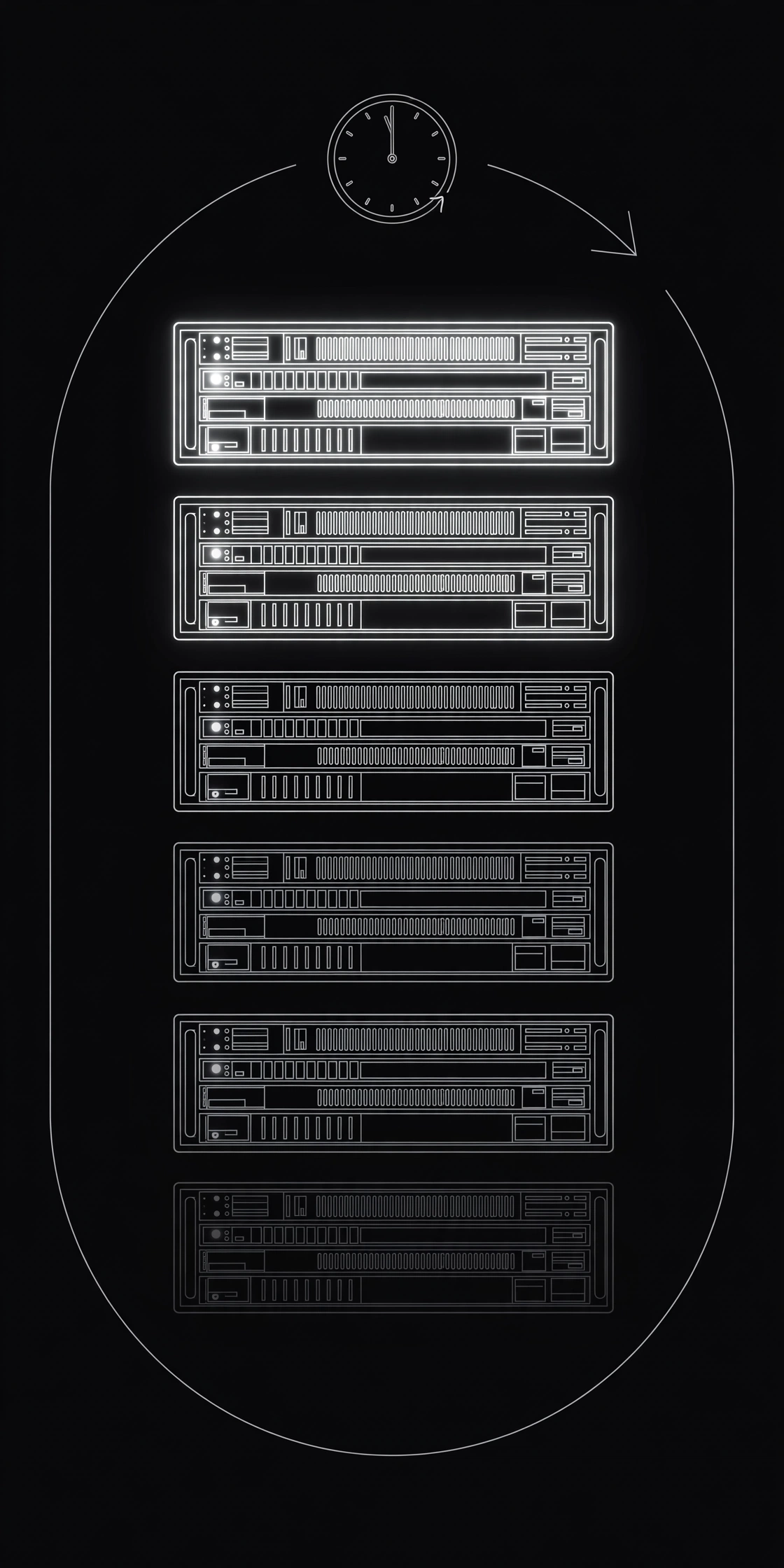
ProxyNest rebuilds its list every 30 minutes. New entries arrive, dead ones get kicked out, and the whole order shifts. So the best time to grab a proxy is in the minutes right after a refresh, when the entries at the top have just passed a live check. An hour later it is a different list: some entries died, some slowed down, and the fast ones got hammered by thousands of other people.
If you only remember one thing, make it this: freshness beats everything else. A 20 ms proxy checked two minutes ago beats a 5 ms proxy checked three hours ago, every single time. Speed numbers go stale fast, but a checked time does not lie.
Why fresh proxies vanish so fast
Free proxies die young. Nobody owns them, nobody maintains them, and thousands of strangers share each one. A server gets overloaded, its owner switches it off, or a website blocks it after too many requests from the same address. That is the nature of free proxies.
Here is that churn in real numbers. This morning, ProxyNest's checker had tested 80,413 proxies and only 3,503 were still alive: about 4 in every 100. The pool holds 121,042 entries, but most of them are already gone by the time you read this. When a proxy you grabbed yesterday stops working today, nothing went wrong. It just ran out of time.
The good news: new ones keep arriving. Every refresh cycle adds fresh entries to replace the dead ones, which is why timing your grab matters more than picking the perfect entry. Other lists show the same pattern: AIMultiple's roundup of free proxy services notes that free proxy IPs can change within minutes and recommends updating your list at least daily. On ProxyNest, the cycle runs every half hour.
Prefer watching? This short video shows three quick ways to test a proxy before you rely on it.
How ProxyNest refreshes the list
Every 30 minutes, ProxyNest pulls fresh candidates from public sources and merges them in, dropping duplicates by IP, port, and protocol. Each entry then has to pass a real connection test. If it fails repeatedly, it gets re-tested within the hour or removed. The list you see is never more than half an hour old, and every entry carries a checked time.
That checked time is your best friend: it tells you whether an entry just passed a test or has been sitting there since the morning. I wrote a full breakdown in How ProxyNest Tests Every Proxy on Its List, if you want the details.
The test I ran this morning
This morning I ran a quick test on the live list to see what freshness buys you. I took the 10 fastest HTTP proxies at the top and 10 more from deep inside it, page 120, then checked each one through ProxyNest's own verify endpoint.
The top 10: 9 out of 10 answered, with latencies between 5.9 and 21.0 ms. One was already dead, even though it sat at the top of the list. That is how fast these things turn over. The deep 10: all 10 answered, but every one took between 139.9 and 152.1 ms. Slow, but alive.
Two lessons. First, the top of the list is where the speed lives, right after a refresh. Second, the deep pages are not a graveyard: they hold slower proxies that still work, and they are a fine backup when the fast ones are gone. The mistake is grabbing blind from either end without checking. Position tells you something, but the checked time and a live test tell you the truth.
Four freshness signals that tell you a proxy is fresh
You do not need to guess. Four signals on the list tell you almost everything:
- Checked time. Look at when the entry last passed a test. Minutes ago is fresh. Hours ago is a gamble.
- Latency and freshness as a pair. A 12 ms proxy checked three hours ago is a weaker bet than a 90 ms proxy checked two minutes ago.
- Uptime history. Open the entry in the Proxy Uptime History tool. A proxy that answered 8 of its last 10 checks is a steadier pick than one that answered 2 of 10, even if the second is faster right now.
- Position after sorting. Sort the proxy list by latency and work from the top: the fastest entries right after a refresh are usually the freshest too.
The 5-minute grab routine
Here is the routine I use now: five minutes, and it beats hoping the first entry works.

- Open the proxy list and sort by latency. Pick your protocol, then sort by latency so the fastest entries rise to the top.
- Pick three, not one. Grab three entries from the top instead of one: free proxies die without warning, and a spare saves you a second trip. Need a specific country? Filter on the locations page first, then sort the same way.
- Check the checked time. Skip anything last checked hours ago. Take entries checked in the last few minutes.
- Run each pick through the Proxy Checker. Paste each one in and confirm it answers before you configure anything.
- Confirm your IP changed. Open What Is My IP and make sure it shows the proxy's location, not yours.
- Save your spares. Keep the two runners-up in a note, so when your main proxy dies mid-task you switch in seconds instead of starting over.
Does the hour of day matter at all?
Honestly, barely. The list refreshes around the clock, so fresh batches land at 3 in the morning just like they do at 3 in the afternoon. What changes is the crowd: at busy hours, the fast entries get hammered by more people at once, so they slow down and die sooner. At quiet hours, they last a little longer. That is a small edge, not a strategy. If you can only check once a day, check right after a refresh. The refresh cycle is the clock that matters, not the one on your wall.
When your pick dies mid-task
That is what the spares are for. Switch to the next entry in your note, run it through the Proxy Checker, and confirm your IP changed. The whole swap takes under a minute. If all three spares are dead too, reload the list: a fresh batch may have landed while you were working. If the site keeps rejecting proxies, the problem may not be the proxy at all. Some sites block whole ranges of public proxies, and no fresh pick will fix that. I covered that in Why Does My Proxy Work on One Site and Fail on Another?
Go grab a fresh one
So the best time to grab fresh proxies is simple: right after a refresh, from the top of a latency-sorted list, with a live test before you trust it. The list does the refreshing. Your job is to show up at the right moment and check before you commit. More on how long they last in How Long Do Free Proxies Last?
Comments
Loading comments…
Leave a comment