
How ProxyNest Tests Every Proxy on Its List (Behind the Scenes)
You have probably stared at a proxy list and wondered how much you should trust that little green tick. Here is the honest answer for our list: every proxy has to pass a real test, then keep passing it, or it gets kicked off. No tick is permanent, and no proxy gets in on reputation alone.
The short answer first
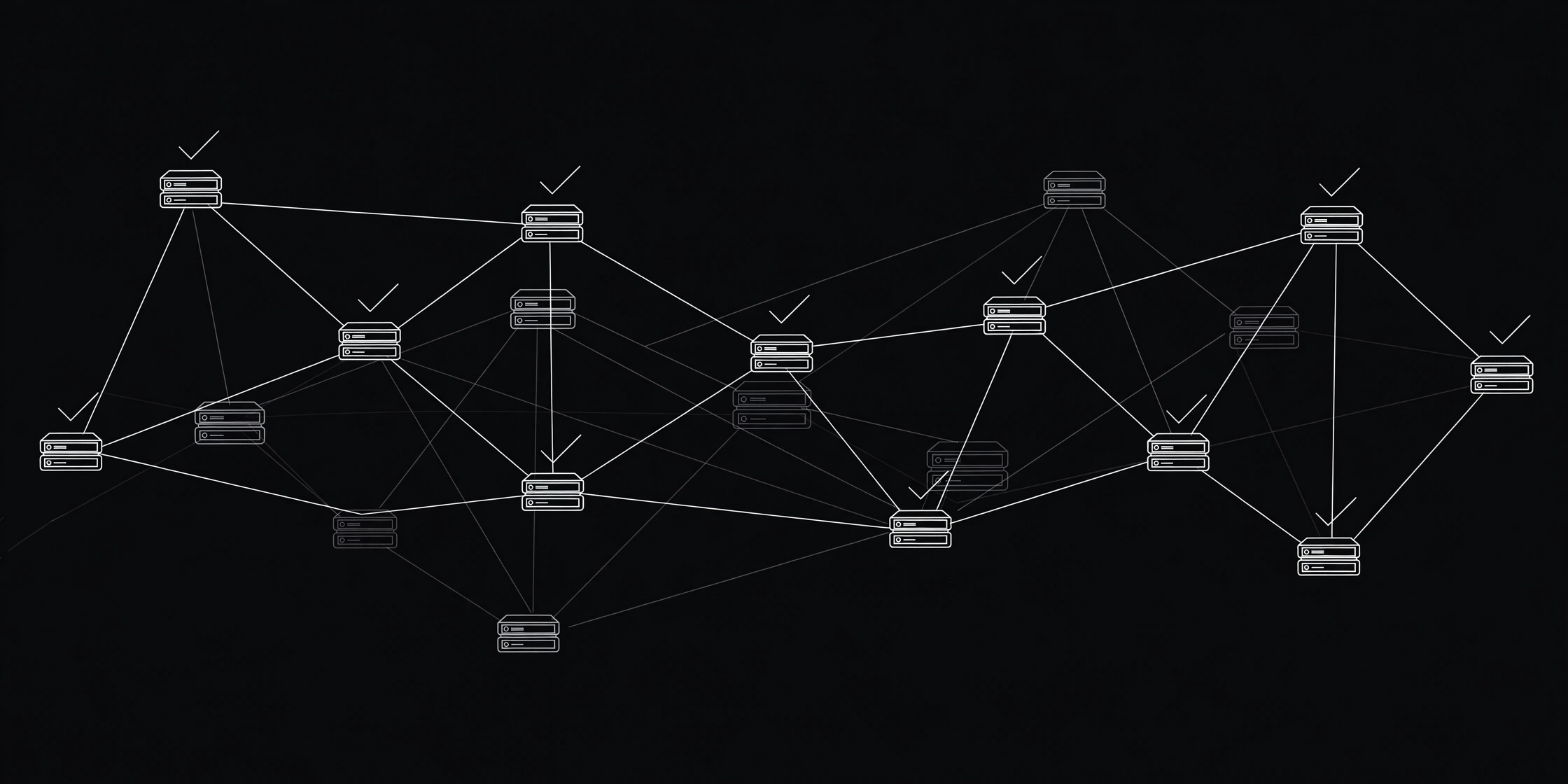
Four things happen on a loop, all day, every day. New proxies are collected every 30 minutes. The live list gets a full check cycle every hour. Each check is a real connection through the proxy, not a ping. And a proxy that fails three check cycles in a row is deleted, no second chances after that.
When I pulled the live numbers while writing this post, the database held 108,092 proxy rows, 69,224 of them tested, and 4,483 alive at the most recent check run. That gap is the whole story of free proxies: most of what floats around the internet is already dead.
Step 1: Where new proxies come from
Our collector gathers public proxy sources on a schedule, about every half hour. Each new entry is stored with its IP, port, and protocol, and duplicates are merged, so the same proxy listed by three sources still counts as one row. Right after a collect run, a geo step tags each new proxy with its country, which is how the locations page can offer you proxies from a specific country instead of a random pile.
Nothing here is bought or rented. These are public proxies, nobody vouches for them, so the test has to do all the talking.
Prefer watching? This explainer walks through checking whether a proxy is actually valid.
Step 2: The test itself, and why a ping is not enough
Here is what most proxy lists never tell you: a proxy can answer on its port and still be useless, accepting your connection and then refusing to forward anything. A ping would call it alive. Our checker does not, because it sends a real request and waits for a real answer.
For HTTP, the checker opens a TCP connection, sends a plain GET request through it, and expects an HTTP status line back. For SOCKS5, it runs the full handshake and a CONNECT request, and expects a success reply. For SOCKS4, it sends a CONNECT and expects the granted code. If an answer does not come back within 8 seconds, the proxy fails that cycle. Up to 100 checks run at once, so a full cycle does not take all day.
The latency number you see on the proxy list is the time that connection took, in milliseconds. It is a connect time, not a full download speed. Connect time decides whether a page starts loading or stalls. Other checkers work the same way for the same reason: as ProxyOn's checker guide puts it, a proxy is only alive if a real request actually travels through it and comes back.
Here is a concrete row I pulled from our live API while writing this: 47.91.109.17 on port 5060, HTTP, United Arab Emirates, 5.5 ms. That was a fast, fresh pass when I looked. It might be dead by the time you read this. The list re-tests it within the hour, or removes it if it keeps failing.

Step 3: What the columns on the list actually mean
Once you know how the test works, the list reads differently. Latency tells you how fast the proxy answered, lower is better, but only alongside the last-checked time. A 12 ms proxy last checked three hours ago is a weaker bet than a 90 ms proxy checked two minutes ago, because free proxies die between checks all the time. Treat freshness and speed as a pair, never alone.
The uptime history on each proxy goes back 7 days, which is how you spot a proxy that passes once and then dies for a week. One lucky pass means nothing. A row that keeps passing, day after day, is the one you want. If you want the full method for judging that, our guide on how to tell if a proxy is reliable walks through all five checks, and the Proxy Uptime History tool shows the record directly.
Step 4: Three strikes and it is gone
Every failed cycle adds one to a proxy's dead streak. At three in a row, the row is deleted from the database outright. Uptime history older than 7 days is pruned too, so the list never fills up with stale records.
Why three strikes and not one? Because proxies have bad moments. A server can be overloaded for ten minutes, or a route can hiccup, and then recover. Deleting on the first failure would throw away good proxies. But keeping failures forever is worse. My blunt opinion: a list that never deletes anything is not a list, it is a graveyard. The three-strike rule is the compromise that keeps our list honest without being trigger-happy.

Why a tested proxy can still fail for you
This is the gap most explanations skip, and it matters. Our checker runs from our server, not from your device. Your route to the proxy is different, your target site may block datacenter IPs that passed our test fine, and the proxy may die in the hour between its check and your setup. A green tick means "it passed a real test recently," not "it will work for your exact job." Any list that promises more than that is overselling.
So the smart move is a 60-second loop of your own. Pick a proxy with low latency and a recent check, then run it through our Proxy Checker before you configure anything. If it passes there, set it up, then open the What Is My IP tool and confirm the IP and country match the proxy, not your home connection. Keep two or three spares written down. Our guide to checking any proxy in seconds covers the same loop, and why your proxy is slow helps when it passes but crawls.
Use the list like a tester
- Filter by the protocol your app actually needs, HTTP for browsing, SOCKS5 for apps. Our HTTP vs SOCKS5 guide settles that choice.
- Pick a country from the locations page if your job needs one, not just the first row on the list.
- Sort by latency, but check the last-checked time before you commit.
- Re-test your pick in the Proxy Checker, verify with What Is My IP, and keep spares.
- If you automate any of this, the API docs show how to pull the live list into your own script, and the FAQ answers the questions we hear most.
That is the whole pipeline: collect, test with a real request, tag, show the numbers, delete what keeps failing. No magic, just a test you can repeat in a minute.
Comments
Loading comments…
Leave a comment